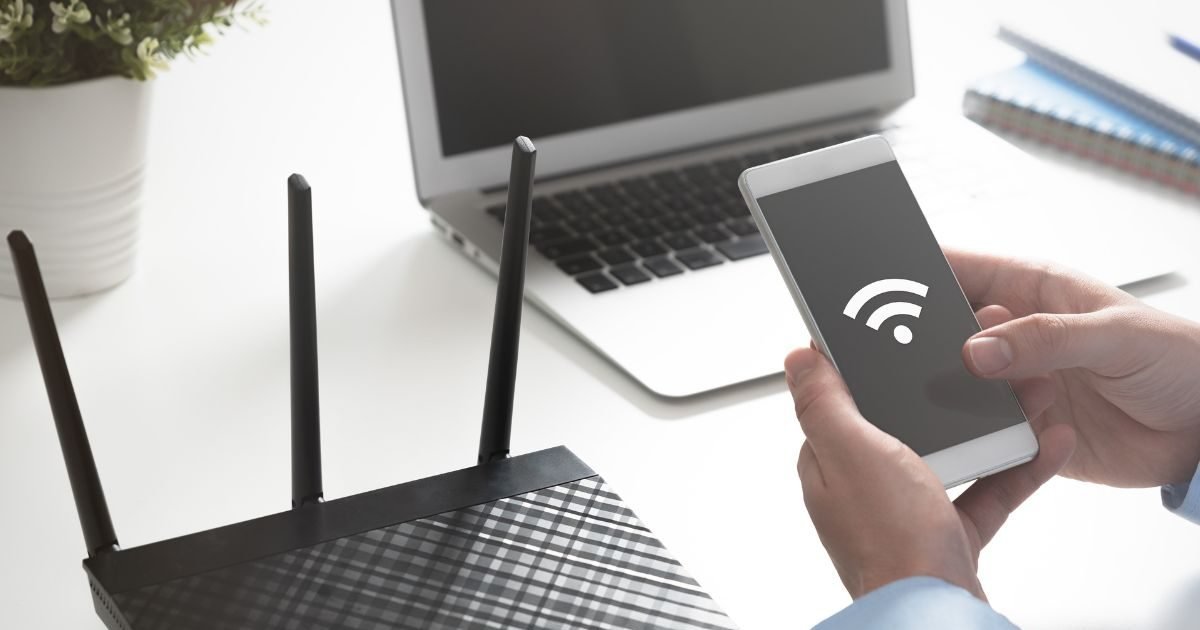
Is your Wi-Fi running slow? Know why experts recommend keeping the router at a height. Understand the scientific reason behind better signal, less dead zone and faster internet speed….

In today’s time, Wi-Fi has become the most important part of the house. But many times, despite a fast plan, there are complaints of weak signal, dead zone or slow speed. A major reason for this is the wrong location of the router. Experts and brands like TP-Link, Netgear, Linksys always recommend placing the Wi-Fi router at a height – like 1-1.5 feet above a table, shelf or wall. But why? Let us understand the scientific and practical reasons.

1. Better spread of signal (Omnidirectional Radiation) Most home Wi-Fi routers have omnidirectional antennas, which spread the signal 360 degrees horizontally, but are weak in the vertical (up-down) direction.
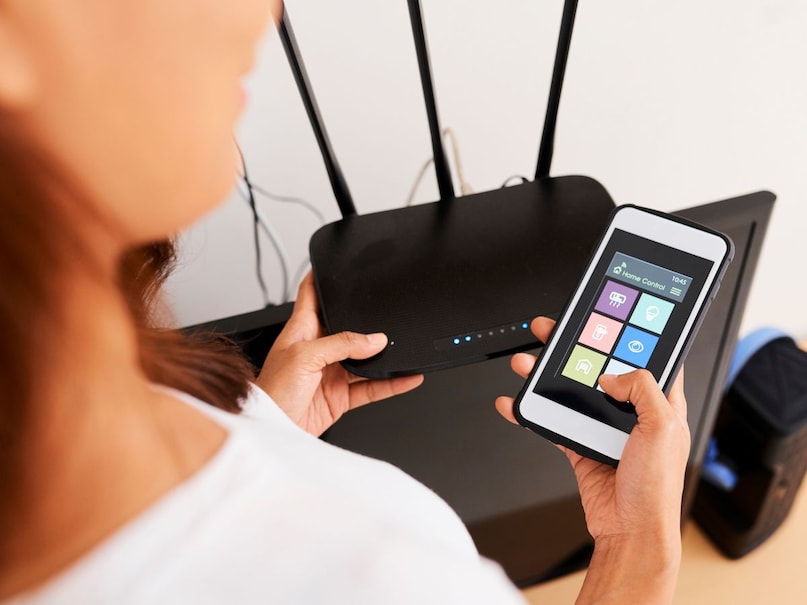
If the router is placed on the floor, the signal is mostly wasted downwards – absorbed by furniture, carpet and floors. Higher placement allows the signal to spread more horizontally, resulting in better coverage at room level and surrounding areas.
Add News18 as
Preferred Source on Google
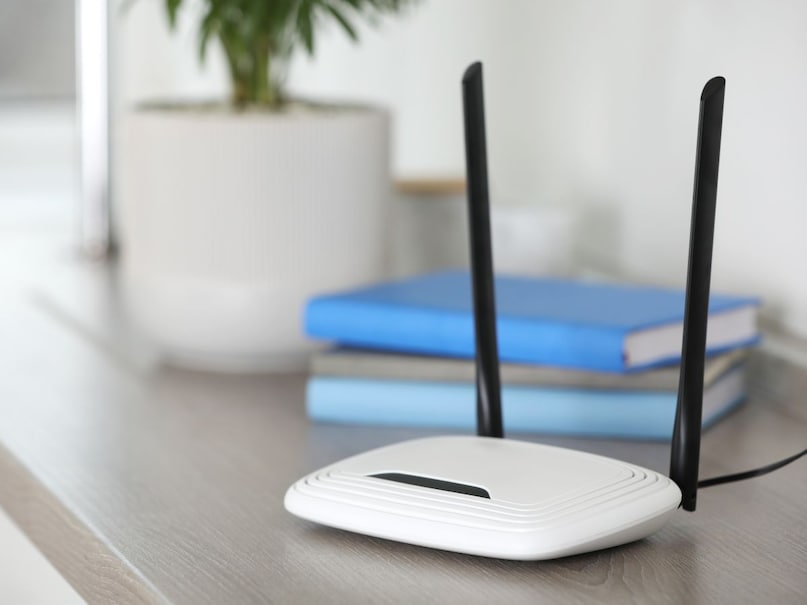
2. Less Obstructions- Furniture, sofa, table, metal objects near the floor, electronics (microwave, fridge) and even the human body block or reflect the signal. Signals with 2.4GHz and 5GHz frequencies are easily affected by walls, wood and water (in our bodies). Placing the router at a height reduces these interferences, provides a clear path to the signal and increases the range.
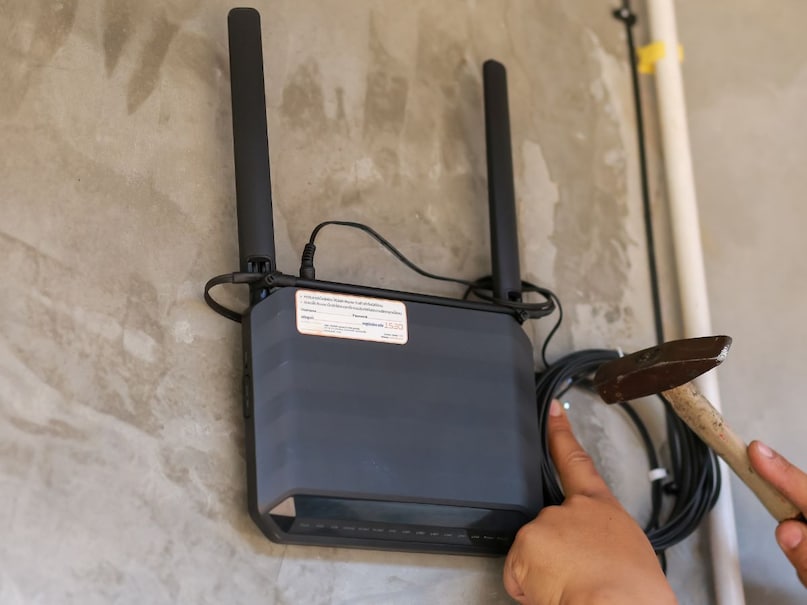
3. Matching height with the device – We mostly use our phone, laptop or tablet in our hands or on the table – which is 2-4 feet above the ground. If the router is also at the same height, then the signal reaches directly and stronger. TP-Link’s tests have shown that matching the height of the device and router results in significantly better signal strength.
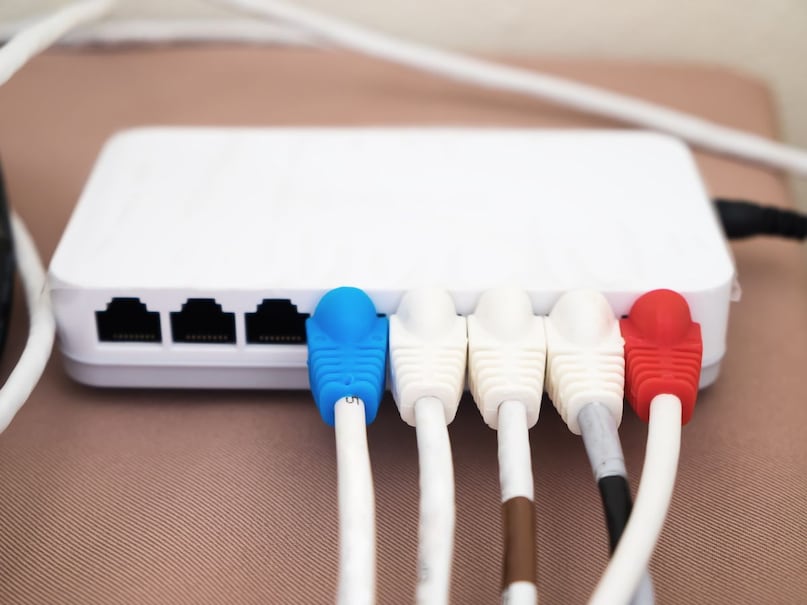
4. Benefit in multi-storey houses – In a house with two or more floors, by keeping the first floor at a higher place (like near the roof), the signal reaches the upper floors better. By placing it on the floor the signal above becomes very weak.

Some additional tips: Place the router in the center of the home, keep the antenna vertical (in most cases), away from microwaves, cordless phones or thick walls, if the signal is still weak, use a WiFi extender or mesh system.

Positioning at height reduces signal wastage, reduces interference, and provides consistent, strong Wi-Fi throughout the home. Try it on the shelf next time you setup your router – you’ll feel the difference!
Discover more from News Link360
Subscribe to get the latest posts sent to your email.