How does ACR work?
This technology takes small samples of the video or audio being shown on the screen through the TV, like a fingerprint, matches this sample and tells what you are watching – whether it is cable TV, OTT platform or a DVD. Then this information is sent to the TV company or their partner companies.
These companies use this data to understand your viewing habits and show you targeted advertisements. Meaning, you see more accurate ads based on what you see, but your privacy is at risk.
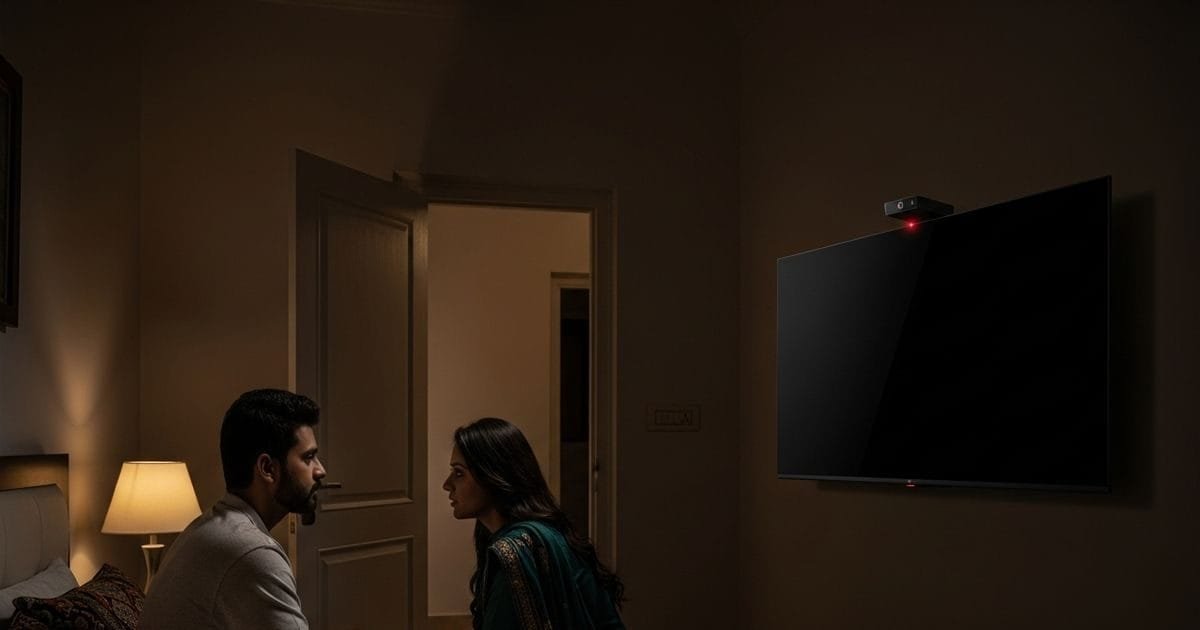
According to many reports and experts, this ACR feature provides the company with complete details of what is going on in your house.
In some cases, people say that the TV can also listen to the camera and microphone, although ACR mainly focuses on the content being watched. Nevertheless, this data collection is so deep that your likes and dislikes, family habits, everything can reach the company.
Consumer reports and privacy experts in America have called it ‘snooping’. Even in India, millions of people are using such smart TVs where this feature is on by default. Now the question is what to do? The good thing is that you can turn it off easily.
How to turn off this feature?
By turning off ACR, the TV will not be able to track your viewing habits. The method varies slightly from brand to brand, but the general steps are:
- Samsung TV: Press the Home button on the remote, go to Settings, select Privacy or Privacy Choices, then uncheck ‘Viewing Information Services’ or ACR.
- LG TV: Go to Settings > Support > Privacy & Terms > User Agreements and turn off ACR related option.
- TCL or Hisense: Settings > Privacy > Smart TV Experience > turn off ‘Use Info from TV Inputs’.
- Sony or Android TV: Turn off ACR or related tracking features in Settings > Privacy.
Pay attention to these settings only at the time of TV setup. If it is already on, check immediately and turn it off. With this, your privacy will be protected and TV will become only a means of entertainment and not a spy.
Remember, it’s difficult to stop tracking completely because apps also collect data, but turning off ACR makes a big difference. Take charge of your own privacy – check your TV settings and turn off ACR now!
Discover more from News Link360
Subscribe to get the latest posts sent to your email.