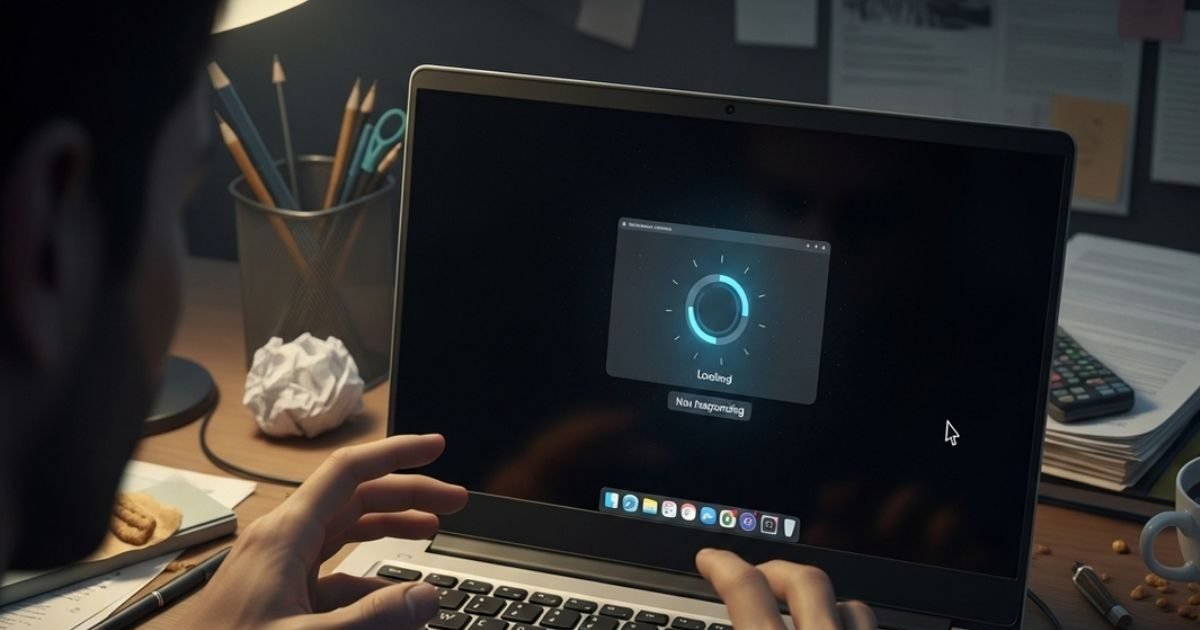
In just Rs 2-3 thousand you can make your old laptop as fast as a rocket. All you have to do is upgrade RAM and SSD. This is the smartest and easiest trick which millions of people have tried.
Why does the problem occur?
Old laptops usually have 4GB or 8GB RAM and old HDD hard disk. To run new operating systems like Windows 10 or 11, more RAM and faster storage is required. HDD is very slow, hence laptop hangs. Due to less RAM, many programs cannot run simultaneously.
Solution: RAM + SSD upgrade
These two small changes will make your laptop look like new:
1-Increase RAM
If your laptop has 4GB or 8GB RAM, then increase it to 8GB or 16GB. Nowadays the price of 8GB RAM is only ₹ 800-1200 and that of 16GB is around ₹ 1800-2500. RAM can be easily replaced in most laptops. Simply remove the old RAM by unscrewing one screw and install the new one.
2-Replace HDD with SSD
This is the biggest game changer. Replace the old HDD (5400 RPM) with 512GB or 1TB SSD. The speed of SSD is 10 times more than HDD. Windows 10/11 will boot in 10-15 seconds. There will be a tremendous difference in opening files, running programs and multitasking.
price: 512GB SSD: ₹1200-1800
1TB SSD: ₹2200-2800
Total Expenses: Only Rs 2000 to 4000 (RAM + SSD).
How to upgrade? (very easy steps)
- Check the model of the laptop (like Dell Inspiron 15, HP Pavilion etc.).
- Search your model name + ‘RAM SSD upgrade’ on YouTube. Step-by-step video will be available there.
- Tools needed: Only a small screwdriver.
- Replace old HDD with SSD. First backup old files in external hard disk or pen drive.
- Install Windows on the new SSD (or copy the old disk with cloning software).
- Install new RAM in the RAM slot.
Bus! Your work will be done in 30-40 minutes. If you don’t want to do it yourself, you can get it done at a local computer shop by paying Rs 300-500 extra.
What will be the benefit after upgrade?
- The laptop will start running 5-10 times faster.
- Hanging and slowing down are almost gone.
- Battery backup may also increase slightly.
- Having a new SSD will not heat the laptop too much.
- Even a 5-6 year old laptop will feel like new.
What to keep in mind?
- Check your laptop’s maximum RAM support (most support up to 16GB or 32GB).
- Take SSD SATA or NVMe type, which matches with your laptop.
- Check Warranty- In most cases upgrading RAM and SSD does not void the warranty.
Buying a new laptop may cost Rs 30-50 thousand, whereas this small upgrade can be completed in just a few thousand. Lakhs of students, office people and home users have given new life to their old laptops with this trick.
If you have this problem too, then check the model of your laptop today, buy good RAM and SSD online or from a local shop and convert it into rocket speed. Before buying a new laptop, try this smart trick once.
Discover more from News Link360
Subscribe to get the latest posts sent to your email.