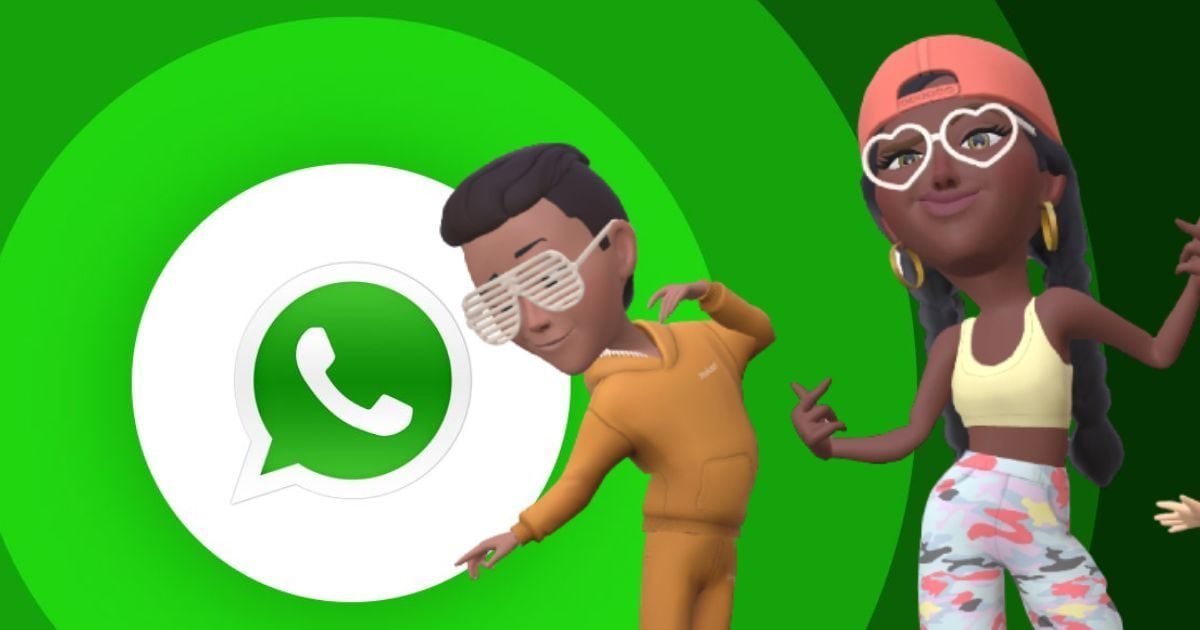
WhatsApp’s Avatar feature allows users to create their own 3D digital avatar, which can be used as profile photos and stickers. In this guide, know how to create WhatsApp Avatar using selfie or manual method and express yourself creatively while keeping your privacy safe…

No need for profile photo anymore! Create identity with WhatsApp Avatar
WhatsApp has recently launched Avatar feature for users, with the help of which you can create your 3D digital version. This feature is special for those people who do not want to put their real photo on their profile or want to try something new and creative. You can set WhatsApp Avatar as profile photo and can also send it in chat as stickers.
About 36 different stickers are available in this feature, which show your feelings and reactions in a better way. You can fully customize your avatar, including skin tone, hairstyle, clothes, accessories, and face shape. With this your avatar looks as per your personality.
Method 1: Create Avatar from Selfie
- Open WhatsApp and click on three dots
- Go to Settings and select ‘Avatar’
- Tap on ‘Create Avatar’ > ‘Create from Selfie’
- Take your selfie, the system will create its own avatar
- Adjust body type and style
Method two: Create manual avatar
- Go to Settings > Avatar
- Select ‘Create Avatar’ > ‘Create Manually’
- Choose skin tone, hairstyle, face and body type
- Style with clothes, makeup and accessories
- Publish avatar when ready
Privacy and control
According to WhatsApp, when you create an avatar from a selfie, your photo is immediately deleted. This keeps your privacy safe. You can change your avatar or delete it and create a new one at any time.
Why is this feature useful?
In today’s digital era, people want to express themselves while keeping their identity safe. WhatsApp Avatar fulfills this need. This feature is especially beneficial for those users who want to maintain privacy and at the same time want to make chatting fun.
About the Author

Afreen Afaq has started her career with Network 18 as a Tech Journalist, and has more than six years experience in ‘Mobile-Technology’ beat. She is a high-performing professional with an established and proven …read more
Discover more from News Link360
Subscribe to get the latest posts sent to your email.