
Last Updated:
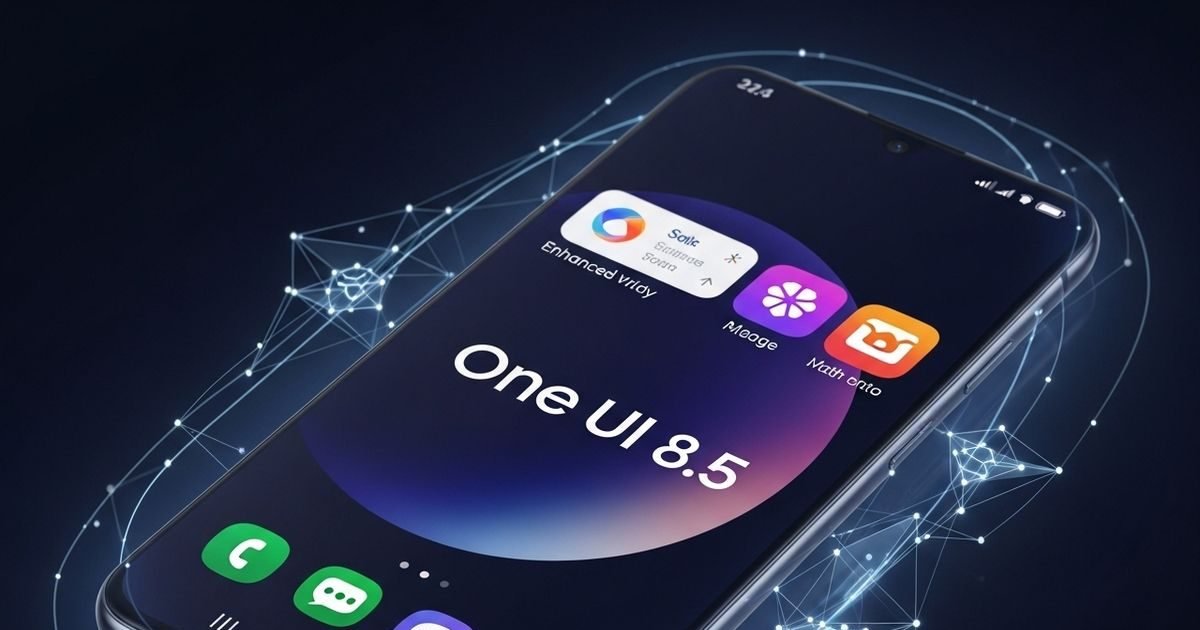
Samsung may soon release the stable update of One UI 8.5 for the Galaxy S25 series. According to the report, this update may be available first in South Korea and then in India by the beginning of May. Know the complete details..


Galaxy S25 series will be the first to get Samsung One UI 8.5 update. Photo: AI
Samsung may soon release the stable version of its One UI 8.5 update. After beta testing going on for the last several months, reports are now saying that the rollout of this update for Samsung Galaxy S25 series can start from this week itself. First of all this update will come in South Korea, after which it will be released in countries like India and America also.
According to the report, the stable update of One UI 8.5 may be available in South Korea by April 30. Whereas in India and America this update may come around May 4. Although Samsung has not yet officially confirmed this, many leaks and information received from customer support indicate the same.
The One UI 8.5 beta program for the Samsung Galaxy S25, Galaxy S25+ and Galaxy S25 Ultra has been running for a long time. This is considered to be one of the longest beta testing stages of the company.
Usually Samsung releases stable version after 7 or 8 beta updates, but this time in some areas Beta 10 has been reached, while in some places Beta 9 is running.
Beta program continues for these phones also
Last month, Samsung extended the One UI 8.5 beta program to more devices. This includes the Galaxy S24 series, Galaxy Z Fold 6, Galaxy Z Flip 6, Galaxy S25 FE, Galaxy S24 FE and Galaxy Tab S11 tablets. These devices are getting this beta update in countries like India, America, Britain and Korea.
If you want to join the One UI 8.5 beta program, you can register your device through the Samsung Members app. After this, the new update can be checked by going to Settings > Software Update > Download and Install.
It would be better to backup your important data before installing the update. This update can bring new features and better experience for Samsung users.
About the Author

Afreen Afaq has started her career with Network 18 as a Tech Journalist, and has more than six years experience in ‘Mobile-Technology’ beat. She is a high-performing professional with an established and proven …read more
Discover more from News Link360
Subscribe to get the latest posts sent to your email.