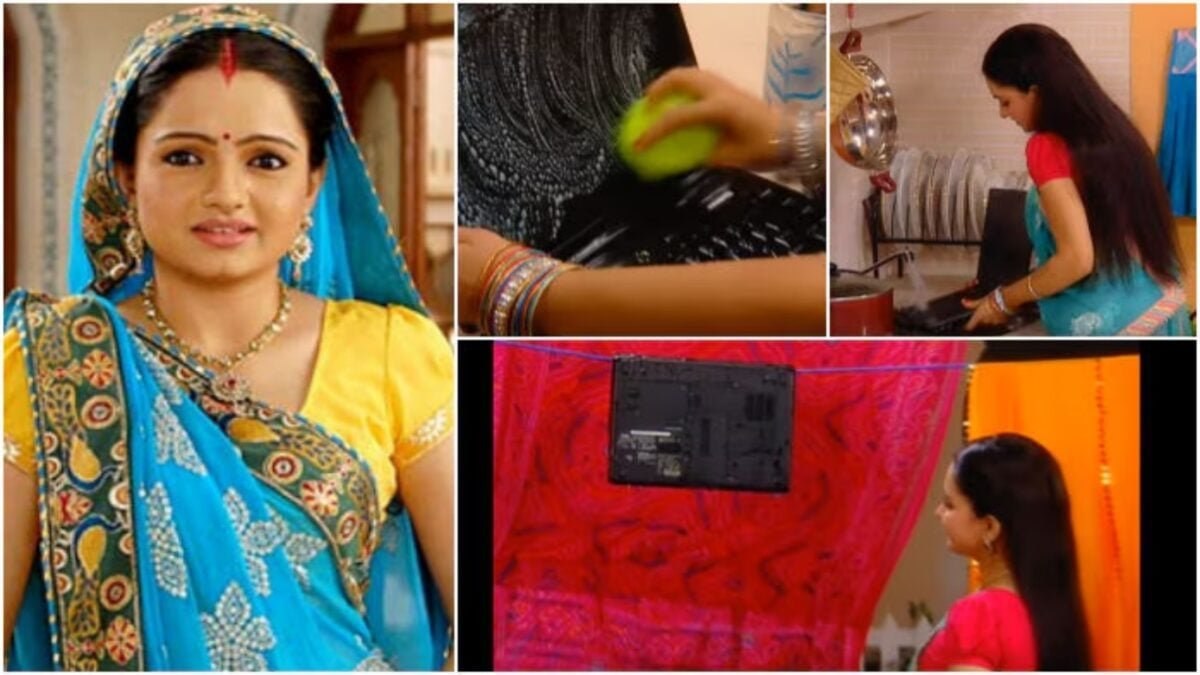
The biggest thing is that people take this problem lightly in the beginning. But if overheating occurs for a long time, even the motherboard, battery and processor can get damaged. The good thing is that this problem can be reduced to a great extent by changing some small habits. In such a situation, you definitely don’t have to behave like your friend’s Gopi Bahu.
If your laptop also starts feeling like a hot pan after some time, then these easy methods can be very useful for you.
5 easy ways to keep laptop cool
- Never use the laptop by keeping it on bed, pillow or blanket. Always keep on a table or any hard surface.
- If you do a lot of gaming or editing, then definitely use a cooling pad. Due to this, cool air keeps coming from below.
- Get the laptop fan and air vents cleaned every 2-3 months. Heat increases quickly due to accumulation of dust.
- Don’t keep too many apps and tabs open at once. This puts more pressure on the processor.
- Use Power Saver or Balanced Mode in Windows. This can reduce the heat considerably.
People often ask this question
Why does a laptop get the hottest?
Laptop heats up quickly due to excessive usage, dust, poor airflow and running heavy apps.
Can gaming damage laptop?
Continuous playing of high graphics games increases the heat. If there is not proper cooling, damage may occur.
Do cooling pads really work?
Yes, cooling pad is very beneficial especially for those doing gaming and video editing.
Is it okay to keep a book under the laptop?
Elevating slightly improves airflow, so this method may help.
When to understand that service is needed?
If the laptop is getting very hot even without much work or is shutting down repeatedly, then it should be serviced immediately.
Even a small mistake can prove costly
Many people keep playing games for hours by keeping their laptop on charging. This increases the heat further. Try to remove the charger if the battery is between 40 to 80 percent. At the same time, due to drying of thermal paste in old laptops, the heat starts increasing. In such a situation, it becomes necessary to get it checked by a technician.
If the right methods are adopted from the beginning, then the speed of the laptop remains intact and its life also lasts longer.
Discover more from News Link360
Subscribe to get the latest posts sent to your email.