Ajay Kumar Verma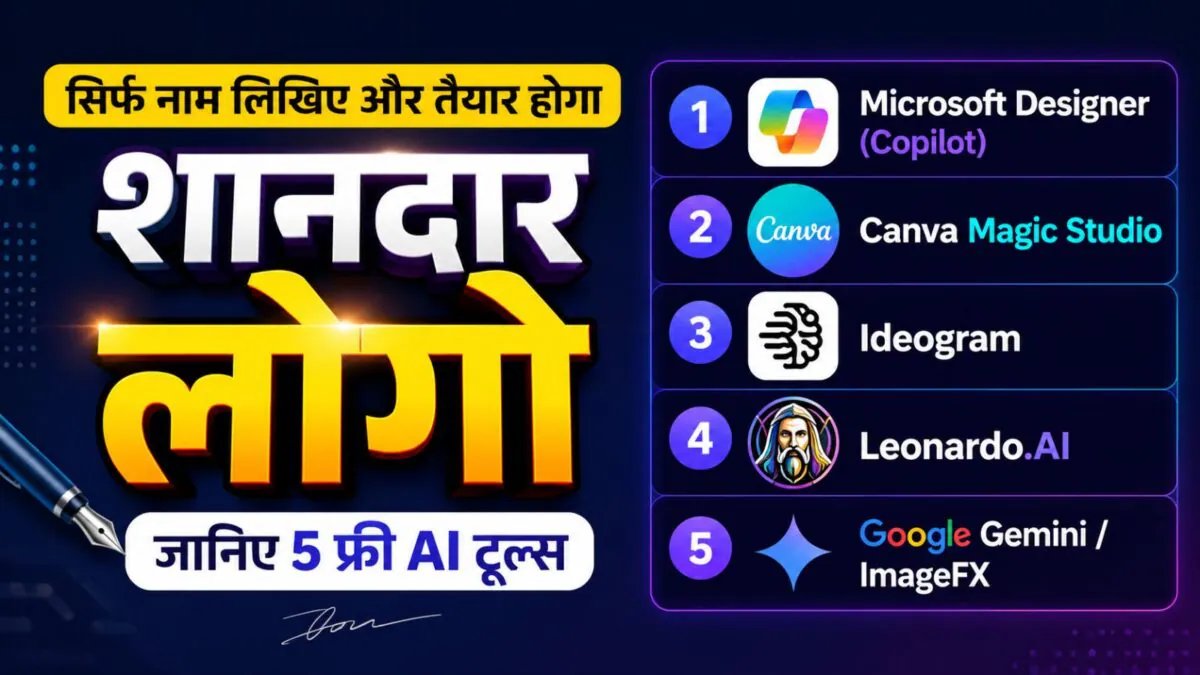

Last Updated:
If you want to create a professional logo for your shop or small business, free AI tools like Microsoft Designer, Canva, Ideogram, Leonardo AI and Google ImageFX can help you. Learn how to use them and create a great logo in minutes.


Logo, banner and social media posts, these AI tools will do all the work
Today branding has become very important for small shopkeepers and new businessmen. Customers remember your shop only after seeing a good logo, banner or social media post. But not everyone can afford to pay Rs 2000-5000 to a professional graphic designer. Now there is an easy solution to this problem – free AI tools.
These tools create a professional logo in seconds. You do not need to learn any designing skill. Just tell us your business name and idea, AI will do the rest.
Create a great logo with these 5 free AI tools
Microsoft Designer (Copilot)
The easiest and best tool. Type “Create a logo for my kirana store in green and yellow color” and you will get many options. You can download high quality images for free.
Canva Magic Studio
Canva’s AI feature is very powerful. Enter your business name in “Magic Design”. AI itself suggests color, font and style. Banners, visiting cards and Instagram posts are also created together with the logo.
Ideogram
Expert in creating text and logo. Whatever you write, it creates the exact logo. If you tell the name of the shop, product or theme clearly, you get very good results.
Leonardo.AI
Best for creative and artistic people. Free credits are available daily. You can create a professional looking logo by giving a prompt like “modern grocery shop logo with shopping cart.”
Google Gemini / ImageFX
Google’s AI tool. Try writing “Generate a simple and attractive logo for tea stall”. Explains in easy language and gives good options.
How to use? (step-by-step)
- Visit the website of any of these tools.
- Mention your business name, color choice (eg red-yellow, green-blue) and style (modern, classic, simple).
- AI will generate many designs.
- If you like, edit it and download it in PNG format.
- You can do further polishing by going to Canva.
advantages
- Completely free (some tools have daily limits)
- ready in minutes
- Unlimited Trial
- professional quality
- Unique logo of your shop
Tips:
- Keep it simple, don’t use too much color.
- It should be easily visible even on mobile.
- After creating the logo, also create business cards, hoardings and social media posts with Canva.
There is no longer any need to pay thousands of rupees to a graphic designer. With the help of these free AI tools, you can create a great logo for your shop yourself in seconds. This will not only save money but your business will also look professional.
About the Author

Afreen Afaq has started her career with Network 18 as a Tech Journalist, and has more than six years experience in ‘Mobile-Technology’ beat. She is a high-performing professional with an established and proven …read more
Discover more from News Link360
Subscribe to get the latest posts sent to your email.