Ajay Kumar Verma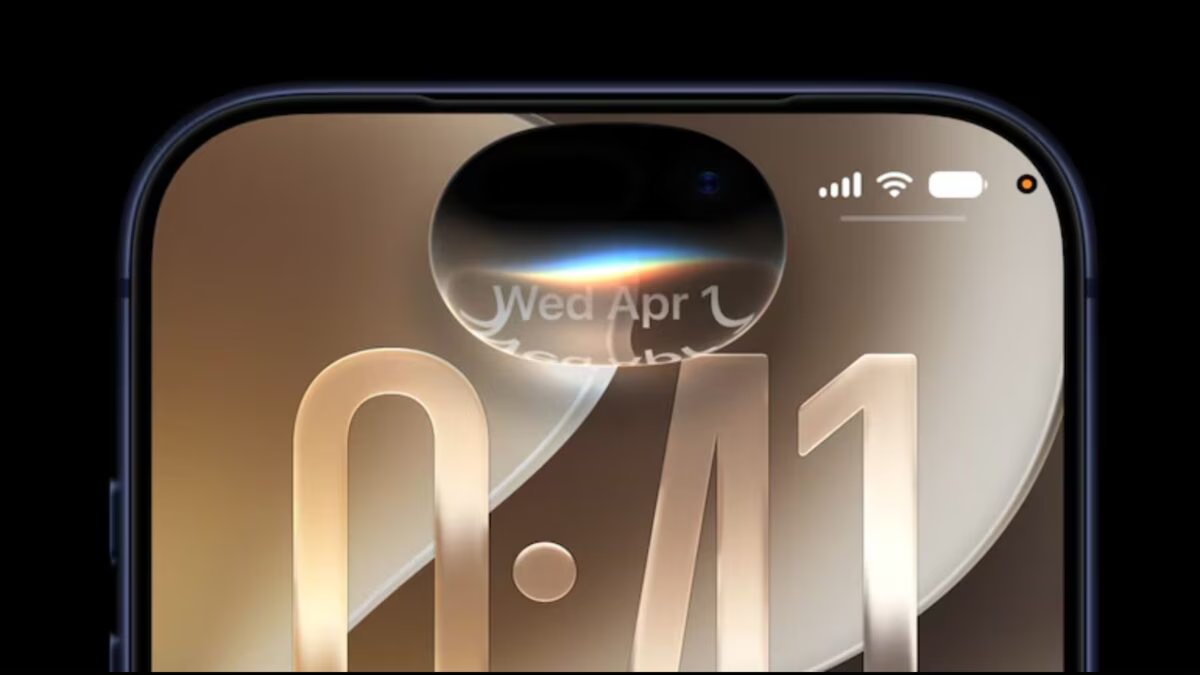

Last Updated:
Apple has released iOS 27 developer beta. Know how to download it, which iPhone models will get the update and what things should be kept in mind before installing,


Know these important things before installing iOS 27
Apple has released its first developer beta soon after announcing iOS 27 at WWDC 2026. The new update has brought many new AI features, better performance and changes in the interface. Although its final version is expected to come with the new iPhone later this year, developers and users who want to try new features first can download iOS 27 Beta from now.
The company says that in iOS 27, apps will open faster than before, photos will load faster in the Photos app and the speed of AirDrop will also be better. Apart from this, the new Siri AI and Apple Intelligence features are considered to be the biggest features of this update.
How to download iOS 27 Developer Beta?
If you want to install iOS 27 beta, then first of all it is necessary to register in the Apple Developer Program. After this, keep the same Apple ID login in your iPhone.
to download:
- Go to beta.apple.com
- Sign in with Apple ID
- Accept the terms and conditions
- Open Settings in iPhone
- Go to General > Software Update
- Select Beta Updates option
- Select iOS 27 Developer Beta
- Go back to the Software Update screen and download the update.
- Before starting the update, keep the iPhone connected to Wi-Fi and the battery must be sufficiently charged.
Which iPhone models will get iOS 27?
According to Apple, iOS 27 will be available for iPhone 11 series and many subsequent models. This includes iPhone 11, iPhone 12 series, iPhone 13 series, iPhone 14 series, iPhone 15 series, iPhone 16 series, iPhone 17 series and iPhone SE (second generation and newer models).
Keep these things in mind before installing
Developer beta is not released for common users but for testing. Therefore, it may face problems like bugs, app crash, battery draining quickly. If you use your iPhone for important daily tasks, it would be better to wait for the public beta or final update.
Apart from this, before installing the update, make a backup of your important data on iCloud or computer. Apple will release several new beta updates in the coming months, which will fix bugs and add new improvements. In such a situation, the final version of iOS 27 is expected to be more stable and better than now.
About the Author

Afreen Afaq has started her career with Network 18 as a Tech Journalist, and has more than six years experience in ‘Mobile-Technology’ beat. She is a high-performing professional with an established and proven …read more
Discover more from News Link360
Subscribe to get the latest posts sent to your email.