Many people think that the smartphone screen turning off automatically is a sign of some malfunction, but in most cases it is a smart feature of the phone. Screen timeout and proximity sensors are designed to save battery and prevent accidental touches during calls. Know why the mobile screen turns off automatically, how to control it and when it can become a problem….
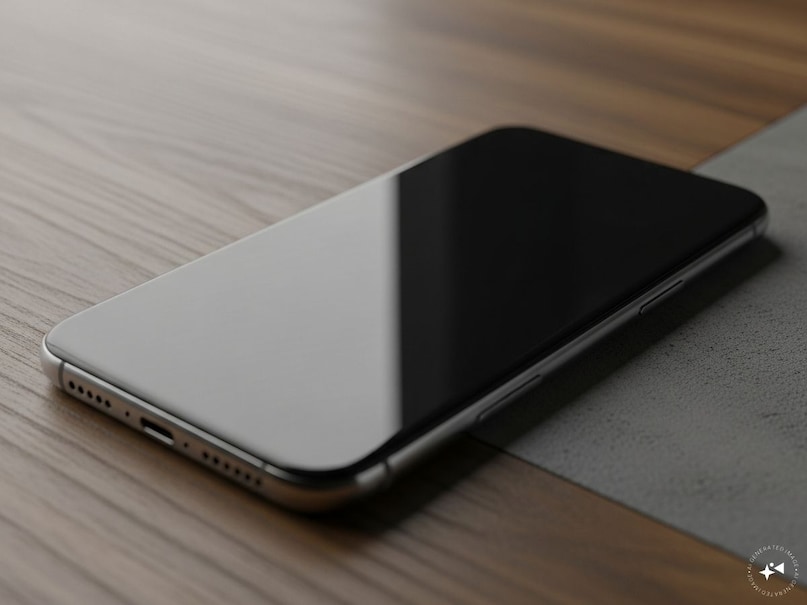
Screen switching off automatically is a common experience in today’s smartphones. Many users think that this is a defect, but in most cases it is part of the design of the phone. There are mainly two reasons why the screen turns off automatically: the screen timeout feature and the proximity sensor. Both these features have been created to save battery and improve the user experience.
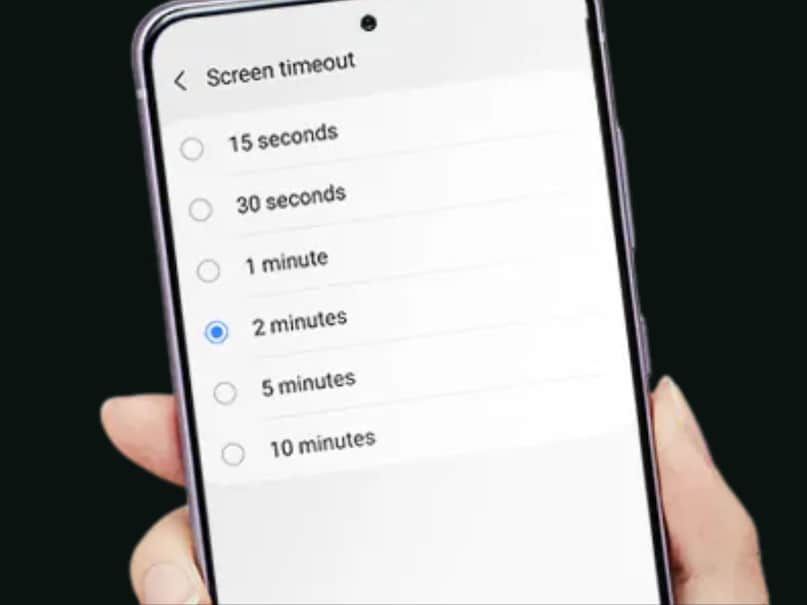
First of all let’s talk about Screen Timeout. This is a built-in setting present in almost every Android and iOS phone. When you don’t touch or interact with the screen for a few seconds or minutes, the screen automatically turns off.

Its purpose is to save battery. The screen is the most power consuming thing in a mobile. If the screen is always on, the battery can drain within a few hours. Therefore, phone manufacturers by default keep the timeout at 15 seconds, 30 seconds or 1 minute.
Add News18 as
Preferred Source on Google
If you feel that the screen is turning off too quickly, you can easily change it. Go to Settings, select Screen Timeout or Sleep option in Display or Screen & Brightness section and increase the time – like 2 minutes, 5 minutes or 10 minutes.

In some phones, when power saving mode is on, this time automatically reduces, due to which the screen turns off quickly. This feature not only makes the battery last longer, but also reduces the problem of phone heating.\
The second major reason is Proximity Sensor. This small sensor is located in the upper part of the phone (near the front camera and speaker). When you are calling from the phone and put the phone to your ear, this sensor detects the proximity of your face or ear. After this the screen turns off immediately.

This has two benefits: First, there is no risk of accidentally pressing any button (such as mute, hold or disconnect) with your ear or cheek. Second, keeping the screen off during a call saves a lot of battery. The screen turns back on when the call ends or you move the phone away.

Sometimes the proximity sensor gets messed up when covered with dirt, screen protector or case, causing the screen to toggle on and off unnecessarily. In such a situation, it helps to clean the sensor lightly or remove the case and check it.
The mobile screen turning off automatically is not a problem, but a smart feature. It extends battery life, prevents unwanted touches and keeps the phone safe. If the problem persists even after increasing the timeout or checking the sensors, it could be overheating, battery issue or software glitch – then it is better to contact a service center. But in 90% of the cases these two features are responsible. If you use these settings wisely, the phone will run better in the long run.
Discover more from News Link360
Subscribe to get the latest posts sent to your email.