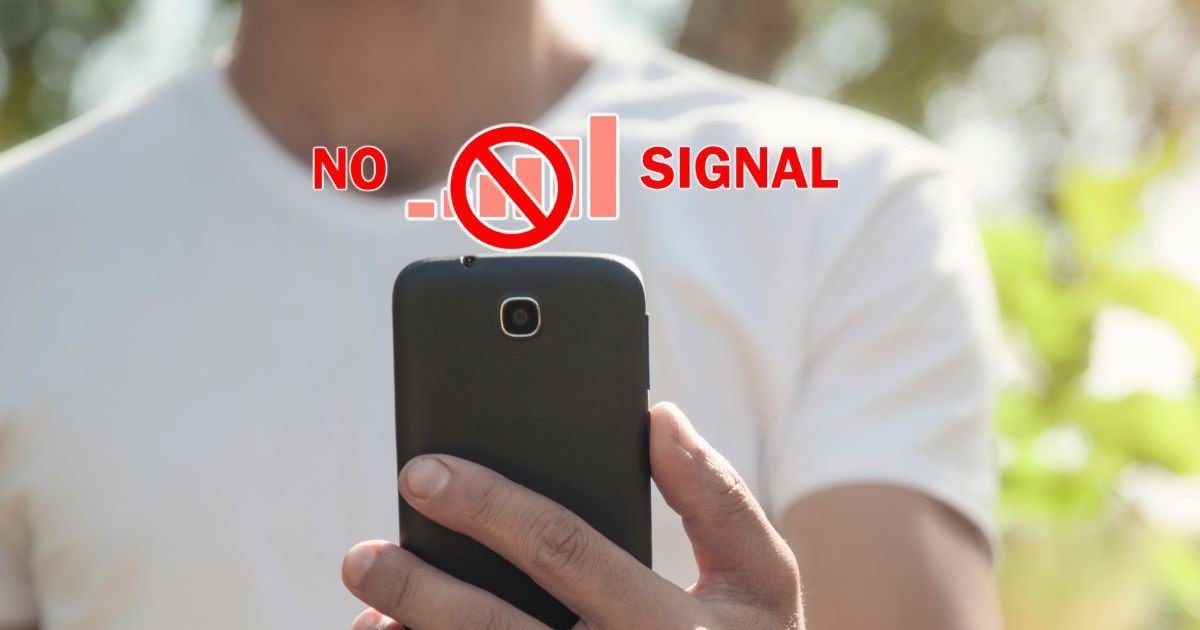
But in reality there are many reasons for this – some related to the network, some related to the phone or SIM, and some related to our location.
Signal interruption or weak coverage- The biggest reason is signal weakness. When you are away from the mobile tower or there are obstacles like thick walls, tall buildings, trees, plants or mountains, the signal gets blocked. Due to high-rise buildings in cities or low towers in rural areas, the network drops suddenly. If you go in an elevator, basement or subway, the signal may disappear immediately.
Network congestion- During peak times like 6-9 pm, festivals, matches or big events, lakhs of people connect to a single tower. Due to this the network gets overloaded and the signal suddenly drops. The number of users in India is very high, so this problem is common in big cities or office areas.
Tower distance or maintenance- If your area is very far from the tower or maintenance/repair is going on on the tower, then the network goes down suddenly. Sometimes this also happens due to error in network switch (2G to 4G/5G). If the 5G signal is weak in a 5G area, the phone does not automatically shift to 4G and the network seems to disappear.
Software or phone problem- Sometimes the software of the phone gets messed up. Outdated updates, bugs, or incorrect settings (such as airplane mode on, mobile data off, or private DNS incorrect) cause network disconnection. Restarting the phone or turning airplane mode on and off for 10-20 seconds often fixes the problem.
SIM card problem- Even if the SIM card is old, bad, loose or damaged, the network suddenly disappears. Remove the SIM, clean it and reinsert it or try in another slot. This also happens if there is a SIM swapping or activation issue.
What to do when the network suddenly goes down?
- Try changing the location (go near the window or go outside).
- Restart the phone.
- Airplane mode turn on-off for 10-15 seconds.
- Check mobile data and network mode (4G/5G preferred).
- Remove the SIM and reinsert it or try it in another phone.
- If this happens again and again, contact the customer care of the network company or check for software updates.
In most cases, these are minor problems and can be cured at home. But if the problem persists then it could be due to tower issue from the company side or less coverage in your area. By checking wisely, you can solve most of the problems yourself.
Discover more from News Link360
Subscribe to get the latest posts sent to your email.