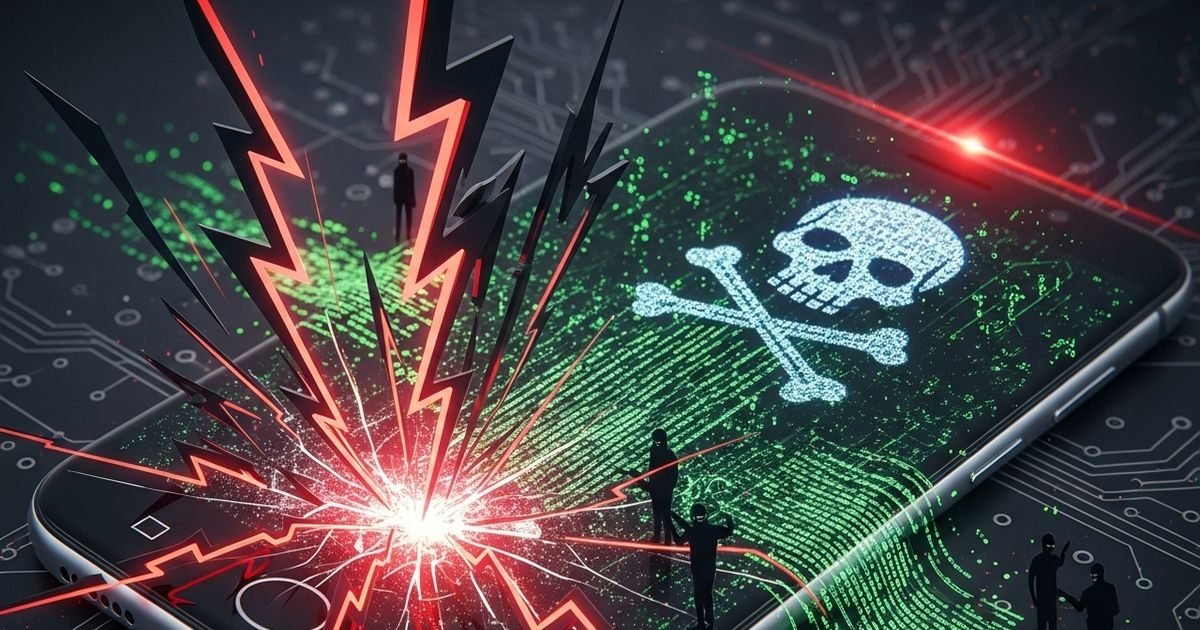
A new Android malware named NoVoice has emerged which persists in the phone even after factory reset. Know how it works and how it can be avoided. Some tips are necessary to stay safe.

This virus does not go away even after resetting the phone, know how to avoid it.
The new Android malware has put mobile users in new trouble. Its name is ‘NoVoice’, which does not disappear from the phone even after factory reset. Researchers from cyber security company McAfee have discovered this. This malware was found hidden in more than 50 apps, which have been downloaded more than 23 lakh times on Google Play Store. This malware mainly targets older budget Android smartphones.
Especially those devices which have not received security updates after May 2021. Africa has been affected the most, some users from India, America and Europe are also affected.
How does malware work?
It hides among normal looking apps like system cleaner, games or photo gallery. These apps do not have any suspicious permissions, so users can install them easily.
Once installed, it takes advantage of the old vulnerabilities of the phone to gain root access.
After this it does something very dangerous:
- Steals usernames and passwords of financial apps
- Can view and delete gallery photos
- Removes essential daily use apps
The biggest problem is that it hides itself in the deeper parts of the system. Even a simple factory reset doesn’t go away completely. This can only be removed by reinstalling the complete firmware of the phone.
How to protect?
The good thing is that phones with new updates are mostly safe. If your phone is receiving security patches after May 2021, then the risk is very less. Google has removed all those dangerous apps from the Play Store.
Advice:
- Always install the latest security updates
- Avoid downloading unknown apps
- Install apps from Play Store only and read reviews
- If in doubt, use a trusted antivirus app
This matter is a warning for those using old phones. Such risks increase by not updating on time. McAfee and Google’s team are keeping an eye on this. If your phone is old and is not updating, then be careful and get the firmware reflashed if necessary.
About the Author

Afreen Afaq has started her career with Network 18 as a Tech Journalist, and has more than six years experience in ‘Mobile-Technology’ beat. She is a high-performing professional with an established and proven …read more
Discover more from News Link360
Subscribe to get the latest posts sent to your email.