Google has started rolling out Gemini app for Mac users. Now AI Assistant can be used with the Option + Space shortcut without opening the browser. Know the features of Gemini Mac app, download process and how it works.
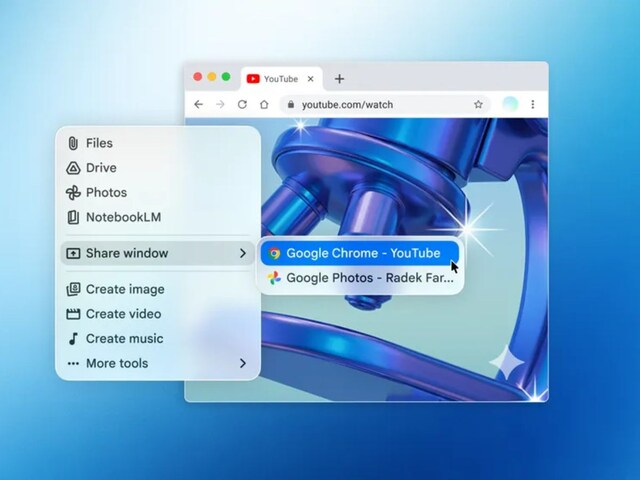

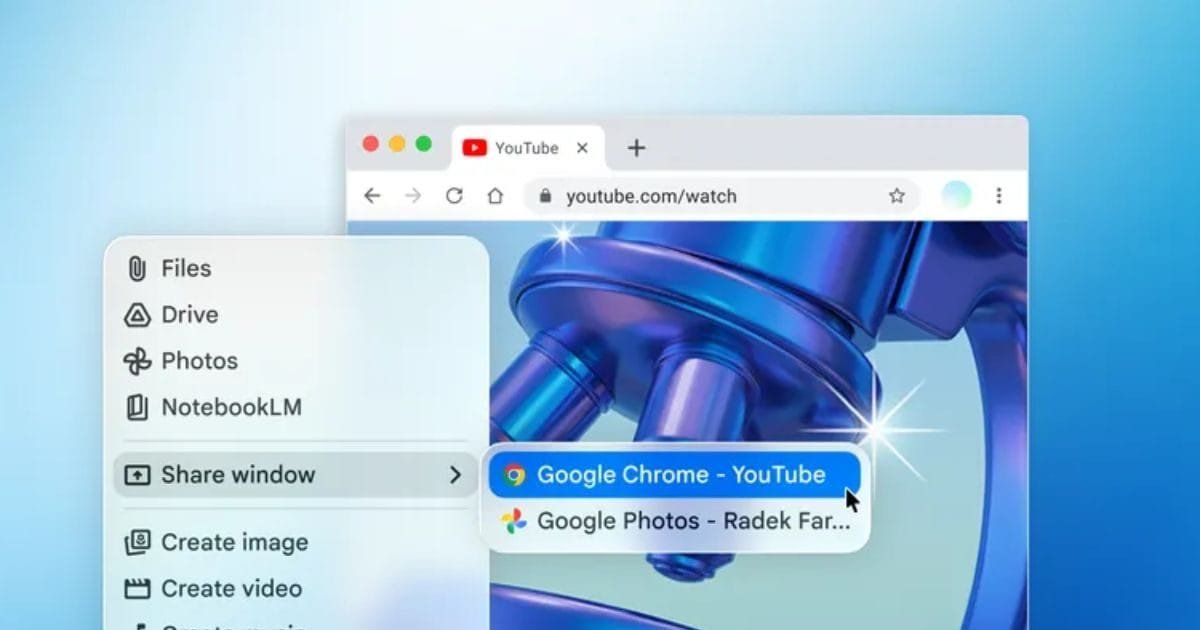
Now Gemini will run directly on Mac, no need to open browser. Photo: blog.google.
Google has now started rolling out its Gemini app for Mac users. Till now most of the people used Gemini through browser, but now with the arrival of its desktop app, access to AI assistant has become even easier. Now there will be no need to open a new tab every time, rather the work can be continued by opening Gemini directly on the screen.
The most special thing about this new Mac app is its quick access feature. Users can quickly open Gemini by simply pressing the keyboard shortcut Option + Space. After this, a small floating window appears on the screen, from where you can directly ask questions or get help from the AI. This is very useful for those who want quick information while working.
Screen sharing feature is also provided in Gemini Mac app. Once permission is granted, Gemini can see information about your current window and respond based on that. For example, if you’re editing a document or reading something on a website, you can get instant help without having to switch tabs.
Apart from this, there is also a file upload facility in the app. Users can upload documents, photos or other files from their system or Google Drive and have Gemini work on them. Like preparing text, generating images or getting help related to basic media. This experience is largely similar to the mobile and web versions.
If we compare, Google now wants to present Gemini not just as a web tool but as a strong desktop AI assistant. Desktop apps of AI tools like ChatGPT and Claude already exist, so this step was considered very important.
Although Gemini cannot currently take major actions directly within the system, it focuses on providing quick and easy assistance based on information displayed on the screen. This is its biggest strength.
How to use?
This app is completely free and works on macOS Sequoia (version 15 or above). Users can download it from the official website of Gemini. After installation, you just have to login with your Google account and then you can start using it immediately.
About the Author

Afreen Afaq has started her career with Network 18 as a Tech Journalist, and has more than six years experience in ‘Mobile-Technology’ beat. She is a high-performing professional with an established and proven …read more
Discover more from News Link360
Subscribe to get the latest posts sent to your email.