
Last Updated:
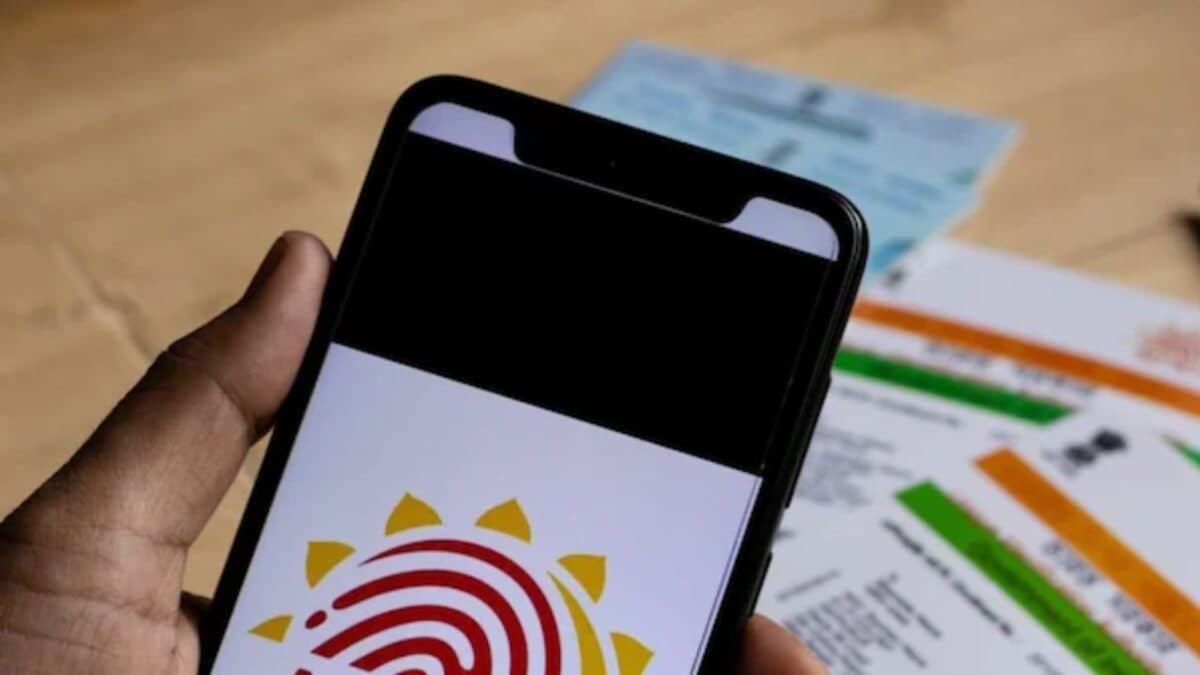
Misuse of Aadhaar card can happen even without your knowledge. With the free facility of UIDAI, check Aadhaar Authentication History sitting at home and know when, where and for what purpose your Aadhaar has been used.


How to see complete record of Aadhaar usage through mAadhaar app
In today’s digital age, Aadhaar card has become the most important document of our identity. Bank account, SIM card, PAN card, income tax, gas connection – Aadhaar is required for almost every important work. But some people commit fraud by misusing this Aadhaar. SIM fraud, bank loan fraud, or Aadhaar verification without informing – all these have become common.
If you do not check in time, you will have to bear the loss.
The easiest and free way to check Aadhaar authentication history
Government’s UIDAI has provided an excellent facility. You can check your Aadhaar Authentication History online for free. It shows when, where and for what purpose your Aadhaar was last used.
Why is it important to check this?
- SIM card may be issued in someone else’s name unknowingly
- Loan can be taken from bank account without your knowledge
- Your data can be misused through fake KYC
- If you see any suspicious activity, you can complain immediately.
How to check Aadhaar history sitting at home? (step-by-step)
Method 1:
- Open the browser on your mobile or computer from the UIDAI website
- Visit the website: https://resident.uidai.gov.in/aadhaar-auth-history
- Enter your 12 digit Aadhaar number
- Fill the captcha code and click on ‘Generate OTP’
- Enter the OTP received on the registered mobile number
- Select date range (up to 6 months of records are visible)
- Click on ‘Fetch Authentication History’.
Method 2:
- mAadhaar App Download the official mAadhaar app from Play Store
- log in
- Go to Security section and see ‘Aadhaar Authentication History’
- You can also easily view the records in the app and get the latest information by refreshing them.
What will be seen in history?
- date and time
- Where was the verification done (AUA name)
- Whether it is done through biometric, OTP or QR code or not
- succeeded or failed
- If you see any unknown name or place that you do not know, immediately call UIDAI helpline 1947 or lodge a complaint online.
Additional security measures
- Lock your Aadhaar biometrically (from app or website)
- Use Virtual ID (VID) where necessary
- Share Aadhaar only where necessary
- Keep checking history every 1-2 months.
Aadhaar is your identity, it is your responsibility to keep it safe. Don’t give a chance to brokers or fraudsters. Take out 2 minutes today and check your Aadhaar history. If everything is fine then take a sigh of relief, and if you see something wrong then take immediate action.
About the Author

Afreen Afaq has started her career with Network 18 as a Tech Journalist, and has more than six years experience in ‘Mobile-Technology’ beat. She is a high-performing professional with an established and proven …read more
Discover more from News Link360
Subscribe to get the latest posts sent to your email.