Ajay Kumar Verma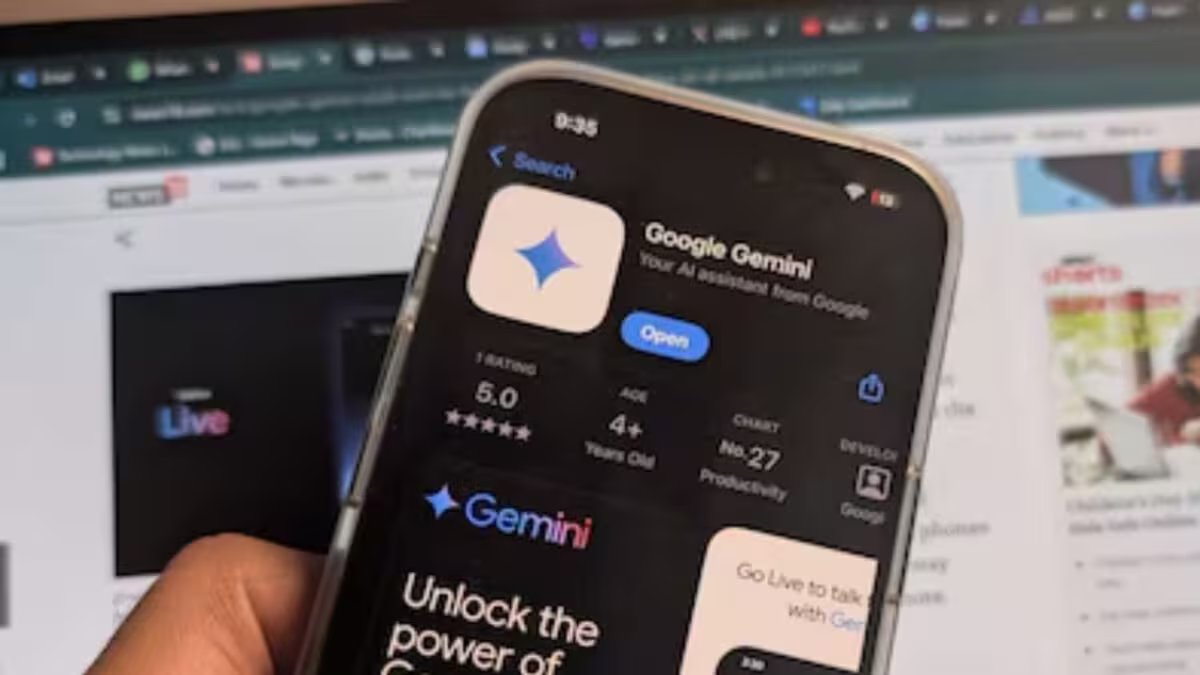

Last Updated:
The Gemini Avatar feature of Google Gemini is now becoming available to more users. This AI feature can create a video by creating a digital avatar of your face and voice. Know the complete method of setting it up.


New step in the world of AI, Google starts Gemini Avatar rollout
Google has started rolling out Gemini Avatar, a special feature of its Gemini AI platform, for more users. This feature allows users to create their own digital avatar, which can look like them and also talk in their own voice.
Gemini Avatar is quite different from typical AI image generators or chatbots. In this, the user can create an AI avatar with the help of his photo and voice. After this Gemini can make a video using the same avatar.
This feature is currently being made available to users taking Google AI Plus, Google AI Pro and Google AI Ultra subscriptions. The company has not yet told whether this feature will be available for free users in future or not.
What can Gemini Avatar do?
Gemini Avatar creates your look and voice digitally. After this, you can make different types of videos by giving text prompts to Gemini.
For example, you can tell AI to have your avatar stand in a certain place, explain a topic, wear different clothes, or talk in a certain manner. The entire work is done within the Gemini app itself and there is no need to download any separate software.
How to create Gemini Avatar?
- Open the Gemini app on your smartphone.
- Go to Settings by tapping on Menu.
- Select Avatar option.
- Click on “Get Started”.
- Give permission for camera and microphone.
- Follow the instructions given on the screen.
- Say the words and numbers given by Gemini.
- Look at the camera and rotate your head as shown.
- Complete face and voice scan.
- Wait for a few minutes, after this your AI Avatar will be ready.
What things should be kept in mind?
According to Google, the face should be clearly visible while creating an avatar. Avoid wearing cap, mask or sunglasses. If you normally wear glasses, you can keep them on.
For better results, record in a well-lit area and only you are present in front of the camera. With this, AI will be able to recognize your voice and face more accurately.
Gemini Avatar is one of those features that can make AI video creation easier in the future. With this, users will be able to create videos that look like themselves without coming in front of the camera.
About the Author

Afreen Afaq has started her career with Network 18 as a Tech Journalist, and has more than six years experience in ‘Mobile-Technology’ beat. She is a high-performing professional with an established and proven …read more
Discover more from News Link360
Subscribe to get the latest posts sent to your email.