Ajay Kumar Verma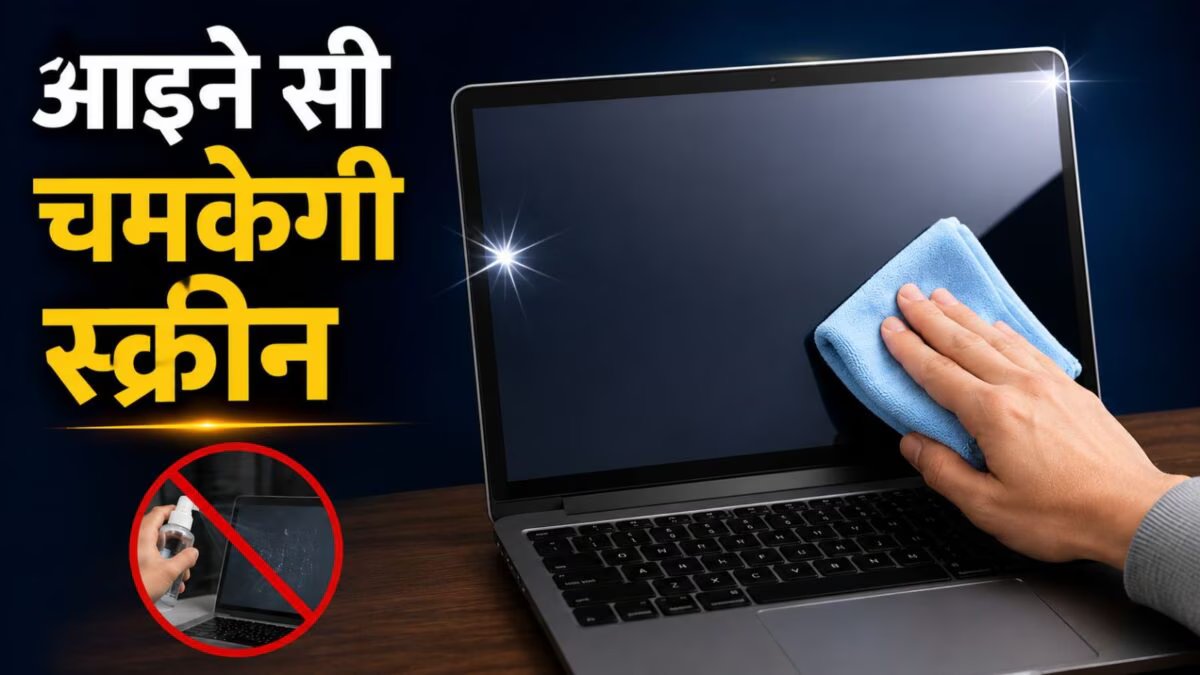
Turn off the screen before cleaning it. After this take a microfiber cloth. To slightly wet the cloth, lukewarm water or a 1:1 mixture of water and isopropyl alcohol can be used.
Keep in mind that never spray water or alcohol directly on the screen. Always apply on cloth first and then clean the screen.
After this, gently wipe the fingerprints, spots and streaks present on the screen in a circular motion. Don’t apply too much pressure. Where there are stubborn stains, take a little extra time but do not scrub the screen too hard.
The same method can also be used to clean the frame (bezel) and stand of the screen. If you use a laptop, you can also clean the keyboard with this microfiber cloth.
How often should the screen be cleaned?
Experts recommend that the screen should be cleaned every one or two weeks. Due to this, dust, fingerprints and dirt do not accumulate. If there is any splash or stain on the screen, it is better to clean it immediately. Stains may become difficult to remove if left on for too long. You can also use compressed air to remove dust accumulated in the base or edges of the screen. This makes it easier to clean those places where the cloth cannot reach.
What not to do while cleaning the screen?
Some mistakes while cleaning the screen can prove costly. Clorox wipes, Windex, eyeglass cleaner or any harsh chemical cleaner should not be used. The layers in modern screens can get damaged due to these. In many cases, repairing such damage is so expensive that purchasing a new screen becomes a cheaper option.
One should not clean the screen while it is on. This increases the risk of loss. Apart from this, avoid using paper towel, tissue paper or rough cloth. These can leave permanent scratches on the screen which cannot be removed later.
While cleaning, it is also important to wipe in circular motion. If you only wipe from top to bottom or from side to side, streaks may appear on the screen after it dries. Circular motion means wiping in a circular motion reduces the chances of streaks forming. The most important thing is not to put too much pressure on the screen under any circumstances, no matter how stubborn the stain is.
Discover more from News Link360
Subscribe to get the latest posts sent to your email.