Google Maps provides information about traffic, toll and routes. Tips like incognito mode, pin drop and offline maps make traveling easy and safe.
When we go to a new place or a new city, Google Map is very useful for us. It helps us a lot in reaching a certain destination. Now most of the people reach their destination directly by looking at the map instead of asking people for addresses on the way.
Google Maps not only shows you the shortest route but also gives you information about toll and traffic. Today we will learn some such tips, using which Google Map will become even more beneficial and your journey will become easier.
Be sure to check the traffic before leaving home: If there is frequent traffic jam in your city, then check the traffic situation on your route before leaving. For this, open Google Maps and turn on the traffic layer. If you see red color, it means there is a traffic jam. Seeing green color means that the path is clear and empty.
Add News18 as
Preferred Source on Google
Incognito mode will also be useful: If you use incognito mode, Google Maps will not save information about your searches and routes in your account history. To turn it on, tap on the profile picture and turn on Incognito mode.
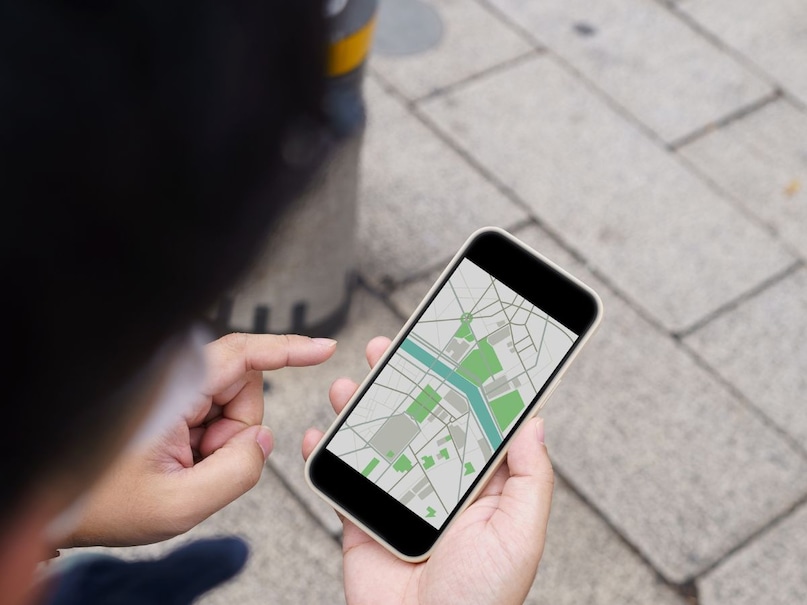
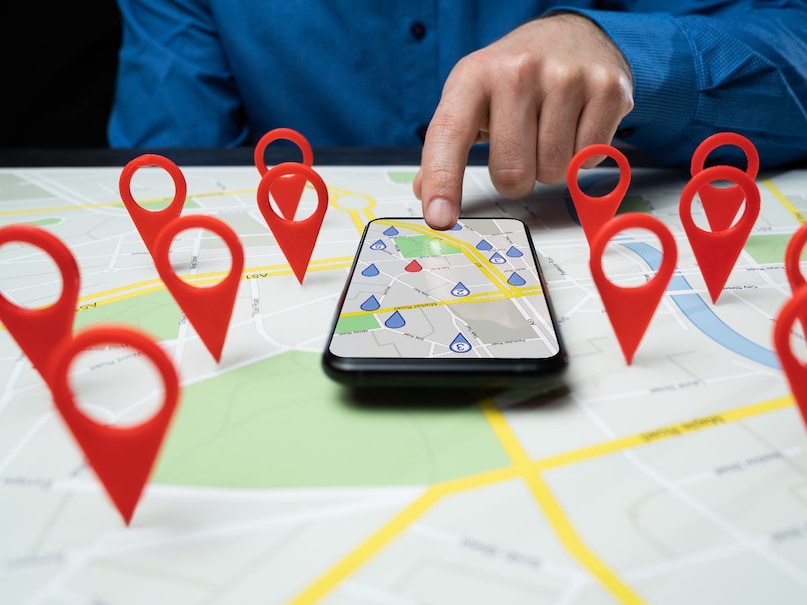
Long press to drop the pin: If you want to place a pin on any location on the map, then select that place and long press on the screen for a few seconds. From there you can share or save that location. Once a location is pinned, you won’t need to type its full address every time.
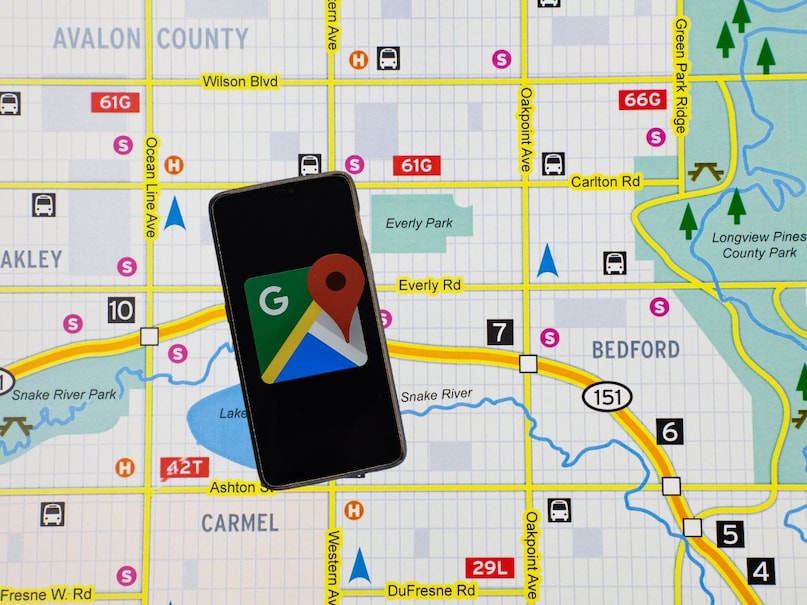
Offline Maps: If you are going to travel on routes where mobile network may be a problem, you can download the offline version of Google Maps. Internet is not required to use this version.
To download offline maps, open Google Maps and tap on your profile picture. There you will see the option of ‘Offline Maps’. From here you can select the region you want to download.
Discover more from News Link360
Subscribe to get the latest posts sent to your email.