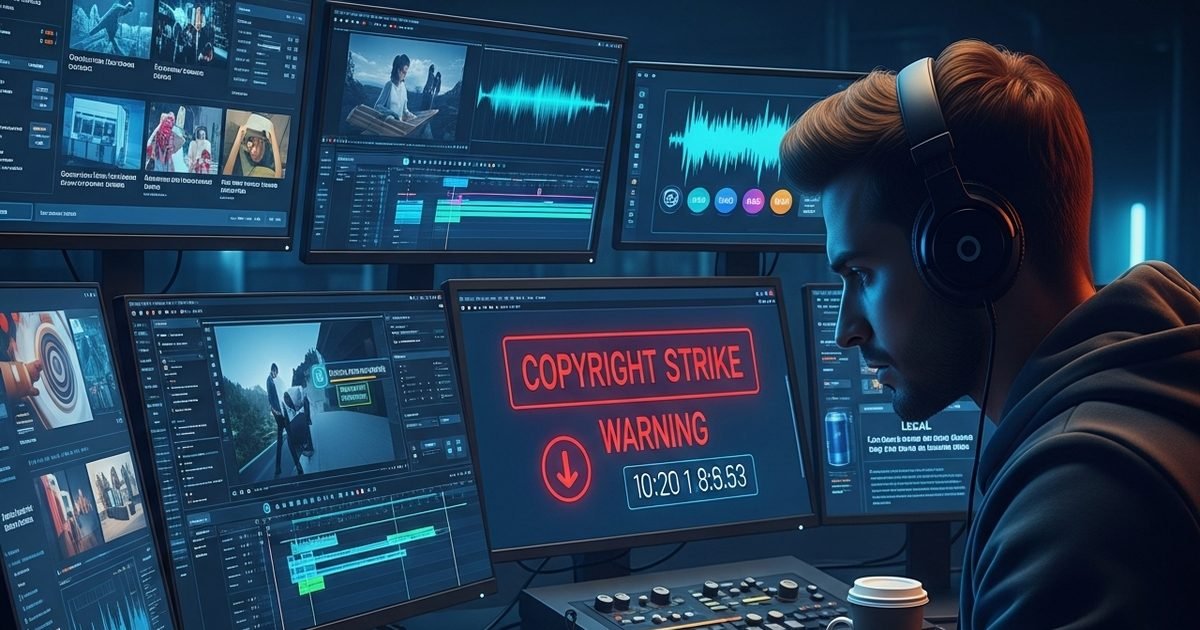
Copyright strike is a big threat for content creators on YouTube and Instagram, due to which the channel can be deleted forever. To avoid this, creators should use royalty-free music. Only through correct information and legal music, you can protect your hard work and earnings.


Don’t make this mistake while searching for music for YouTube channel (Photo- AI)
New Delhi. In today’s time, making videos on YouTube and Instagram has become a career for millions of people. But many creators make a mistake that can put their entire channel in danger. It is a mistake to use copyrighted music. If you use a song without permission, you may get a copyright strike.
The Content ID system immediately detects when you use songs, music or audio created by someone else without license or permission. This has two consequences: the first is a ‘copyright claim’, in which the earnings from your video go to the original owner, and the second is the most dangerous ‘copyright strike’. If your channel gets 3 strikes within 90 days, then YouTube deletes your channel forever.
How to use free and legal music?
The safest way to avoid copyright is to use ‘royalty free’ music. Here are some of the best and legal ways:
1. YouTube Audio Library: This is YouTube’s own treasure. You can access thousands of free tracks and sound effects in your YouTube Studio. The music here is completely safe and there is never a strike on it. Just note that for some songs you have to give ‘attribution’ i.e. credit in the description.
2. Creative Commons: There are many websites on the Internet that provide music under Creative Commons license. You can get free music from platforms like Bensound or Pixabay. Just read the license terms before using.
3. No Copyright Sounds (NCS): There are many channels on YouTube like ‘NoCopyrightSounds’ which offer free music to creators. To use this music, you just have to give the link of their song in your video description.
Rules for Instagram Creators
When creating a reel on Instagram, always use the in-app music library. If you add music and upload it separately from the editing app, Instagram may mute your video or remove it from the platform.
Don’t forget to give credit
Even if the music is free, it is a good practice to include the artist’s name and source link in the video’s description box. This protects you from future legal troubles.
About the Author

After starting his career in print media, he has been working as a senior copy editor in News18Hindi for the last 8 years. Has been part of the business news team for almost 4 years. Has experience of about one and a half decade in media. Bijan…read more
Discover more from News Link360
Subscribe to get the latest posts sent to your email.