
Last Updated:
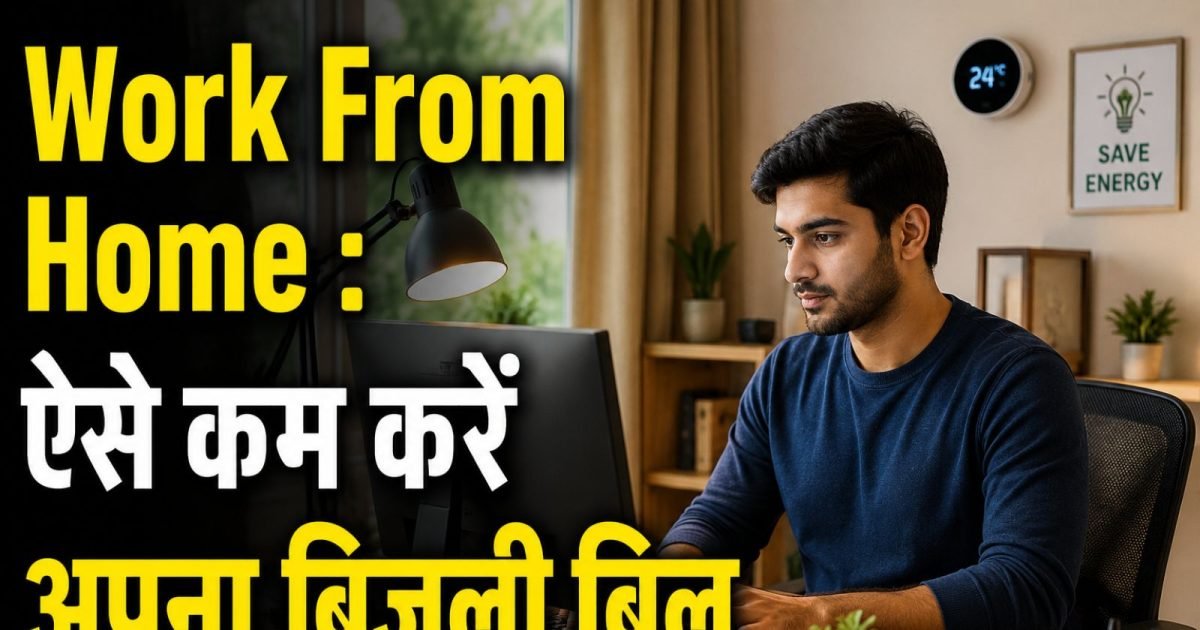
Work From Home Electricity Saving Tips- The reason for increase in electricity bill due to work from home is that when you work sitting all day, along with AC or cooler, computer-laptop and lights remain on throughout the day. This causes the meter to run at full speed, resulting in huge electricity bills.
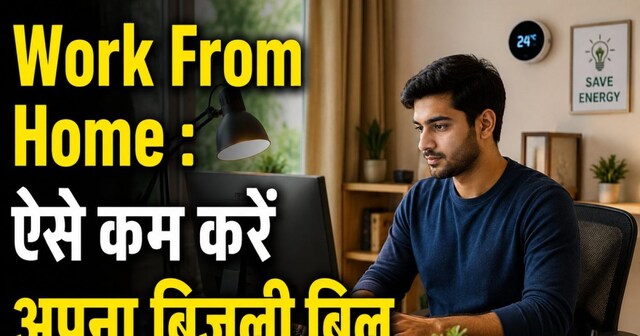

You can save electricity and your money by adopting some easy tips.
New Delhi. The work from home culture that came during the Corona epidemic still continues. However, now fewer employees are working from home. But, now it is in the news again after Prime Minister Narendra Modi appealed to the companies to adopt this hybrid work model. Veteran tech company Zoho has indicated that it could implement work from home soon. While work from home saves time and fuel for commuting to office, the electricity bill at an employee’s home has increased compared to before. But, you can save electricity and your money by following some easy tips.
The reason for increase in electricity bill due to work from home is that when you work sitting all day, along with the AC or cooler, the computer-laptop and lights remain on throughout the day. This causes the meter to run at full speed, resulting in you having spent a lot of your electricity units by the end of the month. But, you can also reduce it with effective tips and smart gadgets.
Do you also have AC, laptop and Wi-Fi running all day?
The reason for high electricity consumption during work from home is that AC, laptop or computer Wi-Fi and lights remain on all day. Most people have a habit of keeping electrical appliances on whether they are in their rooms or not. So the simplest way to save electricity is to switch on everything from laptop computer and printer to AC and lights only when you are in the room. If you are going out for a long break, then switch off all the appliances.
These are smart tips to save electricity expenses while working from home
- 5-star rated appliances: Always use gadgets or ACs with BEE 5-star rating. These appliances are specially designed to save energy, which gives you huge savings in the long run.
- Set AC to 24°C: Air conditioner consumes the most electricity during work from home. To save electricity, always run the AC at 24°C. This temperature is most accurate for both comfort and savings. If the temperature is lower than this, the electricity meter runs very fast and is heavy on your pocket.
- Regular cleaning of filters: Keep cleaning the AC filter and fan blades every few months to maintain better air flow. Due to lack of dust accumulation, less effort has to be applied on the machine. Due to this the AC consumes up to 15% less electricity.
- Let the natural breeze come: Open the windows and doors of your house in the morning so that cool and fresh air can come inside. This will cool the house naturally and you will not need to run the AC till noon.
- Correct use of sunlight: Place your work desk near a window so that you get plenty of natural light throughout the day. This will not only save the cost of lighting the room lights, but the fresh light will also keep your mood good.
- Juggling between fan and AC: Along with AC, run a ceiling fan in the room so that cool air can reach every corner quickly. By doing this, you can enjoy excellent cooling even by slightly increasing the temperature of the AC and save money.
- Smart Power Strip: Connect all your gadgets like your laptop, printer and monitor to one power strip and turn it off when you are done. This is the easiest way to prevent up to 10% of unnecessary power consumption in ‘Standby Mode’.
- Unplug the charger: After charging the phone or laptop, it is wise to unplug the charger. Even if the charger is plugged in empty, it keeps drinking electricity secretly like ‘vampire power’.
- Power Management Settings: Use sleep and hibernate mode properly in your computer or laptop so that power is not wasted during breaks. This small setting extends your battery life and helps reduce your electricity bill.
- Use LED lights: Remove old bulbs and CFLs from the house and replace them with modern LED bulbs. They consume very little electricity, keep the room cool and last for years without spoiling.
- Light as needed: Instead of lighting big lights in the entire room, use a small and beautiful desk lamp. With the help of task lighting, you can focus only on your work area and save unnecessary electricity.
Discover more from News Link360
Subscribe to get the latest posts sent to your email.