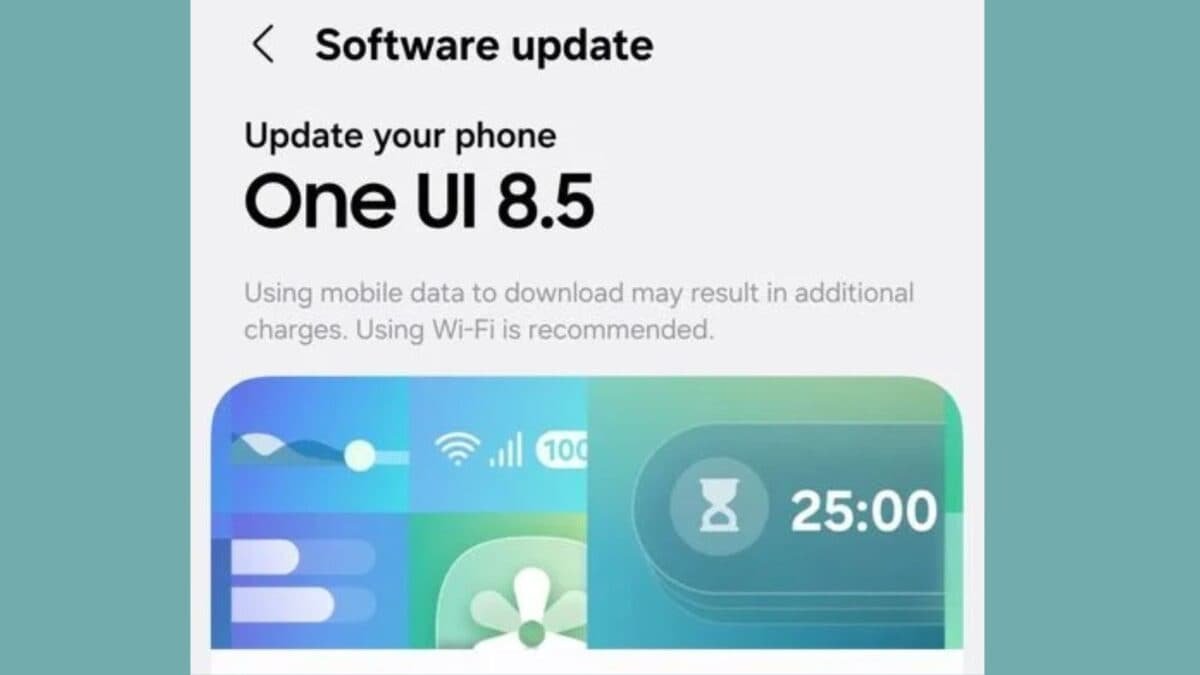
If you have a Samsung Galaxy A16 5G, you can download this update by going to Settings > Software Update > Download and Install. Before installing the update, it is necessary to have at least 30 percent battery in the phone.
What’s new in One UI 8.5?
With One UI 8.5 update, Samsung has made many changes in the user interface. Now the UI looks more advanced than before and transparency and blur effects have been added to it. Apart from this, there is also an option to completely customize the Quick Panel.
New clock fonts and automatic layout feature have also been added for the lock screen. Besides, users will also get many new downloadable wallpapers.
Improvements to the Weather app and Samsung Health
Samsung has also upgraded the Weather app. Now information like Pollen Index will be shown in it. Apart from this, weather related effects will also be seen in the alarm background.
New options for sharing workout data have been provided in the Samsung Health app. Galaxy Watch users can now start meditation sessions and use features like measuring antioxidants directly from their watch.
Security and productivity features also improved
Theft Protection feature has been added in the new update, which will provide additional security in case the phone is stolen. Apart from this, an option to temporarily turn off Auto Blocker is also given.
Samsung Notes now lets you add tables, while the Calculator app is now able to suggest calculations based on the content in the clipboard.
That means One UI 8.5 update has brought many new features, better customization, security improvements and useful tools for Galaxy A16 5G users. If you have received this update, you can take advantage of the new experience by installing it.
Discover more from News Link360
Subscribe to get the latest posts sent to your email.