Ajay Kumar Verma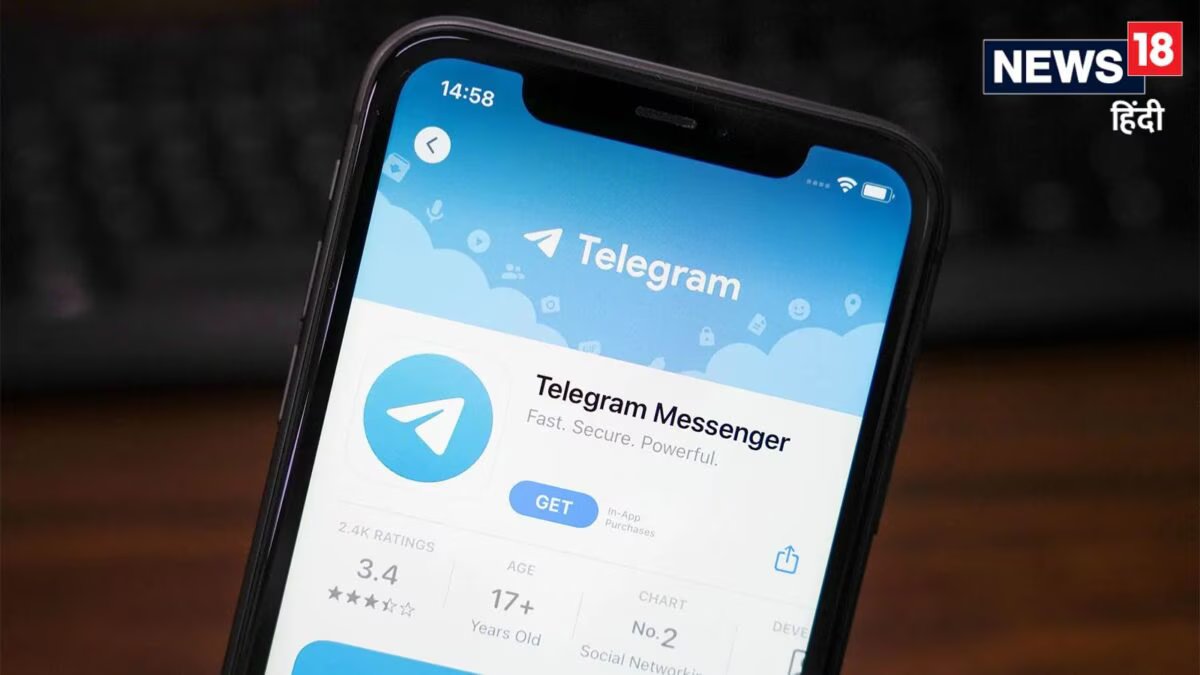
However, some users are still facing problems like chat not loading, not being able to send messages or the app not working properly. The good thing is that in most cases a simple app update and refresh can solve this problem.
What to do if the app is not working?
If Telegram is not working properly in your Android phone, first go to Google Play Store and see whether a new update of the app is available or not.
If there is an update, install it. After this, go to Settings of the phone, open the Apps section, select Telegram and tap on Force Stop.
Now open the app again and wait for a few seconds. With this, Telegram will create a new connection with its server and the problem may be resolved.
What should iPhone users do?
iPhone users should also first update Telegram from the App Store. After this, open App Switcher and close Telegram completely and then launch it again. This method is working for many users and the app starts running normally.
With the restoration of services, Telegram has now become available again to many users on Google Play Store, Apple App Store and its official website.
During the ban, the app was not able to be downloaded, causing problems for new users and reinstallers.
In fact, after concerns about the spread of material related to NEET-UG re-exam, the authorities had instructed Internet service providers to temporarily ban Telegram. Due to this reason, the services of the platform were affected for some time.
Although normal messaging services are returning now, as per the instructions issued earlier, Telegram’s message edit feature may remain closed till June 30.
In such a situation, if Telegram is still not working properly in your phone, then update the app and close it completely and open it again. In most cases, the problem can be resolved on its own.
Discover more from News Link360
Subscribe to get the latest posts sent to your email.