
Last Updated:
CERT-In has issued a big cyber alert for WhatsApp Desktop and Web users. There is a danger of malware attack due to fake invoices. Know which files can open your computer and get hacked.


Big threat increases on WhatsApp! CERT-In advised users to be immediately cautious
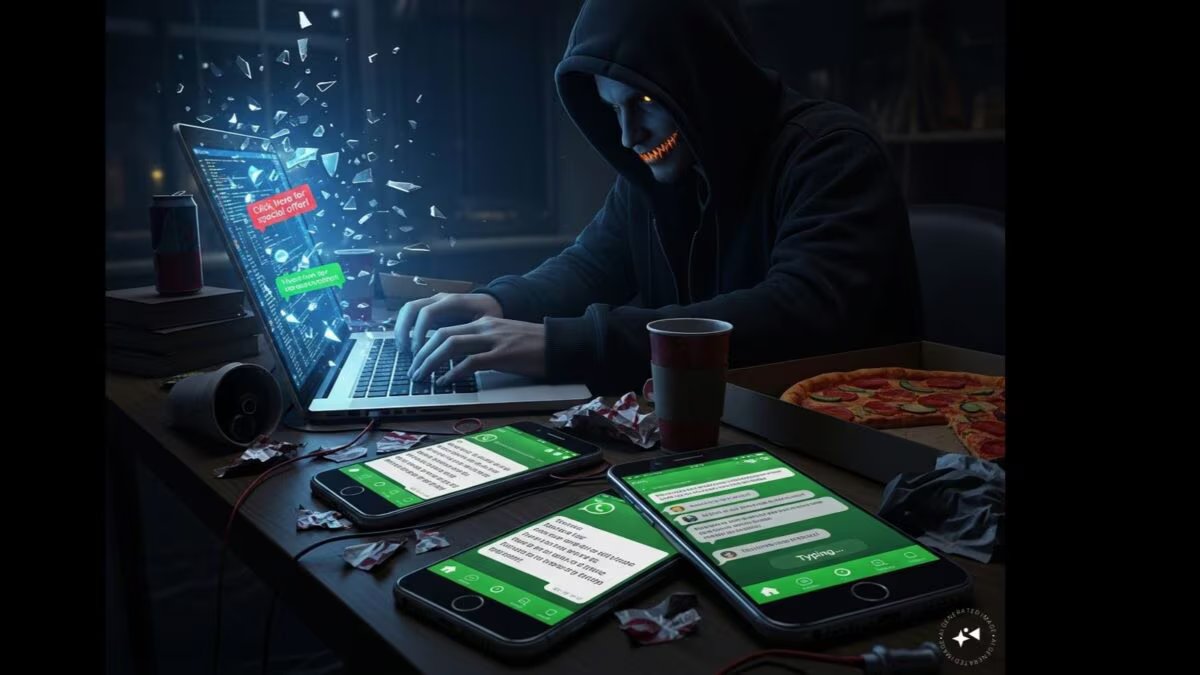
If you use WhatsApp Web or WhatsApp Desktop, then you need to be careful. Indian Computer Emergency Response Team (CERT-In) has issued a new cyber security alert. According to the agency, cyber criminals are installing dangerous malware in people’s computers by sending fake invoices, bank statements and other business documents through WhatsApp. The special thing is that these files are often sent from the WhatsApp account of someone you know, due to which people open them without thinking.
According to CERT-In, this attack is mainly targeting WhatsApp Desktop and WhatsApp Web users. Hackers first take over a genuine WhatsApp account and then infect its contacts with malware from the same account. Send files containing. Since the message comes from a trusted person, the chances of it being opened increases significantly.
According to the report, this malware is being sent in the form of Visual Basic Script (.vbs) file. The names of these files are kept like Invoice, Payment Record, Bank Statement, Account Statement, Debt Notice or Acknowledgment Receipt so that people do not have any doubt. Not only this, information like Microsoft Windows Update is also added to these files, so that they appear like the original files.
If a user accidentally opens this file, a script runs in his Windows computer. After this, other dangerous programs are downloaded into the system and hackers can get remote access to the computer. Through this, incidents like password theft, data leakage, installation of additional malware and affecting the entire network can occur.
Never open such files
CERT-In has advised not to open any unknown or suspicious file found on WhatsApp, especially files with .vbs extension. If any knowledgeable person has also sent such a document, then first confirm it by calling him or through some other means. Also always keep Windows and antivirus updated and stay away from suspicious files. A little caution can save you from a big cyber attack.
About the Author

Afreen Afaq has started her career with Network 18 as a Tech Journalist, and has more than six years experience in ‘Mobile-Technology’ beat. She is a high-performing professional with an established and proven …read more
Discover more from News Link360
Subscribe to get the latest posts sent to your email.