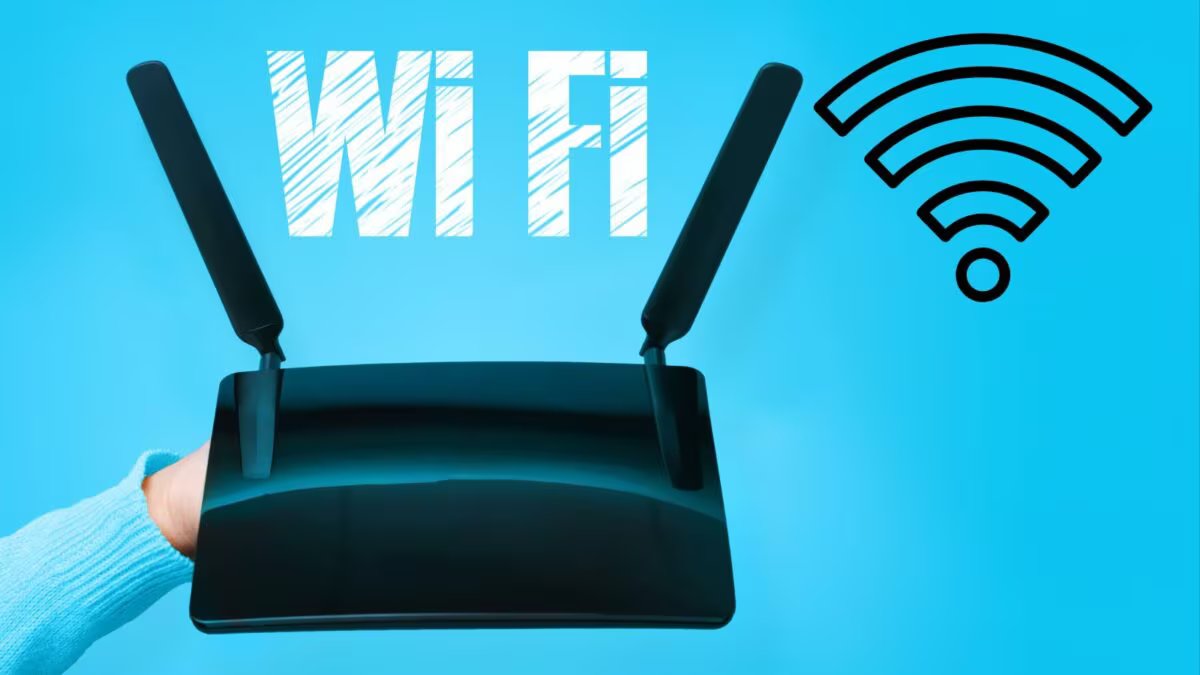
Often people think that the internet service provider is responsible for this, but many times the real reason lies within our home itself.
misplacing the router
Small mistakes like using wrong Wi-Fi band and connecting more devices than necessary spoil the internet speed. If your Wi-Fi is also running slow, then by changing these habits you can improve the performance of the network.
misplacing the router
The correct location of the router matters most for good range of Wi-Fi signal. Many people keep the router in a corner of the room, inside a cupboard or near the ground, due to which the signal becomes weak. It would be better to keep the router in the middle of the house, in an open space and at a slight height. Also keep it away from walls, big furniture and other electronic devices, so that the signal can reach the entire house better.
Use the correct Wi-Fi band
Nowadays most routers support both 2.4GHz and 5GHz bands. 2.4GHz band has more range, but due to many devices connected on it, the speed may be less.
At the same time, 5GHz band gives faster internet speed and better performance. If your router and smartphone or laptop support 5GHz, then it would be better to use this band.
Do not keep more devices connected than necessary
If too many devices are connected to the same Wi-Fi network, internet speed may be affected. Sometimes such devices also remain connected, which are not in use, but app updates, cloud backup or other activities keep going on in the background.
Therefore, disconnect the devices which are not needed at the moment from Wi-Fi. Also, keep checking the devices connected to the router from time to time. With these simple changes, you can significantly improve the speed and stability of your Wi-Fi, even without purchasing a new internet plan.
Discover more from News Link360
Subscribe to get the latest posts sent to your email.