Ajay Kumar Verma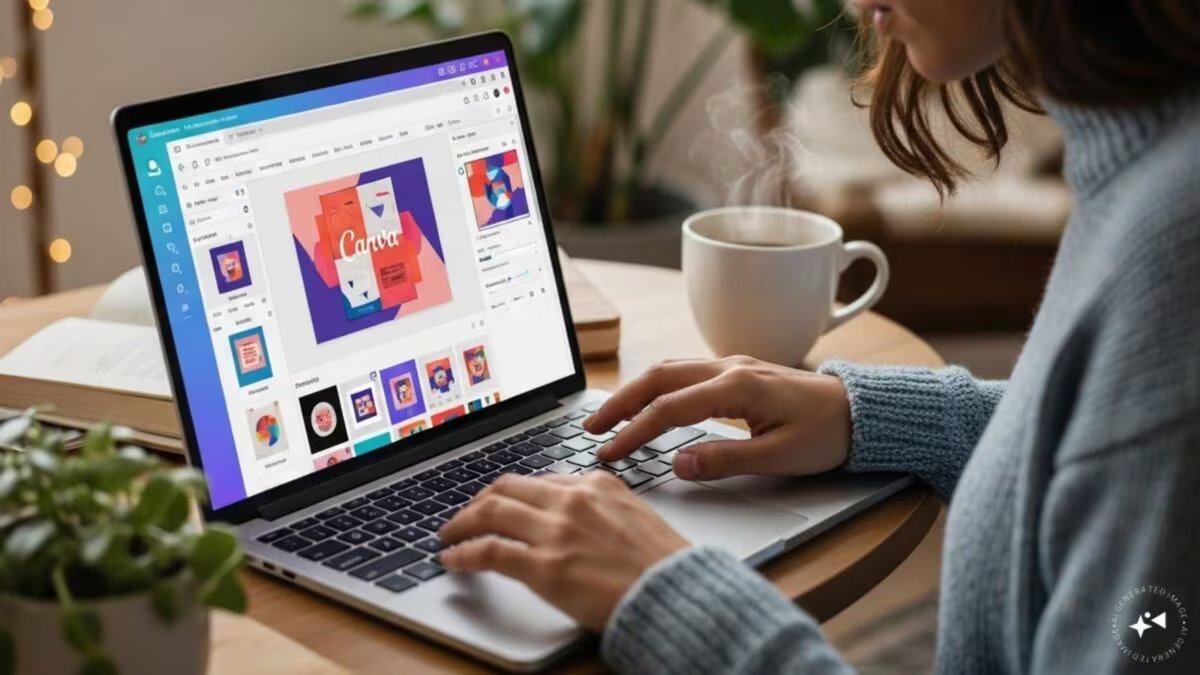

Last Updated:
Canva has started rolling out the new Offline Mode feature. Now users will be able to edit their designs even without an internet connection. This feature allows working offline for 14 days and is available for both free and paid users.


Good news for students and content creators, Canva adds offline editing feature
There is great news for the millions of users using Canva. The company has started rolling out its new Offline Mode feature, with the help of which users will now be able to create and edit their designs even without an internet connection. This feature will be especially useful for those who travel frequently, live in areas with weak networks or work in places like flights and classrooms where internet is not available.
Till now, internet connection was required to work on Canva. But after the introduction of the new Offline Mode, users can download their favorite projects in advance and save them for offline access.
After this they will be able to make changes in the design even without Wi-Fi or mobile data. All changes will automatically sync to your Canva account as soon as the device connects to the Internet again.
According to the company, this feature was among the most demanded features of the users for a long time. Especially students, content creators, teachers, small business owners and social media managers were waiting for this for a long time.
A major feature of Canva Offline Mode is that users can work on their saved designs for 14 days even while being offline. This means that even if you are going on a long journey or internet facility is not available for a few days, your work will not stop.
How to use?
- To take advantage of this feature, it is necessary to save the design offline beforehand.
- For this, open your design in Canva, click on the menu option and select “Make Available Offline” option.
- After this the design will be saved in your device and will be available even when there is no internet.
- The best thing is that Canva has not limited this feature to premium users only. Offline Mode is being made available for both free and paid users.
This new feature of Canva can prove to be very beneficial for those people who work on the go and do not want to stop their projects midway due to internet problems. Now your creativity will be able to continue even without network.
About the Author

Afreen Afaq has started her career with Network 18 as a Tech Journalist, and has more than six years experience in ‘Mobile-Technology’ beat. She is a high-performing professional with an established and proven …read more
Discover more from News Link360
Subscribe to get the latest posts sent to your email.