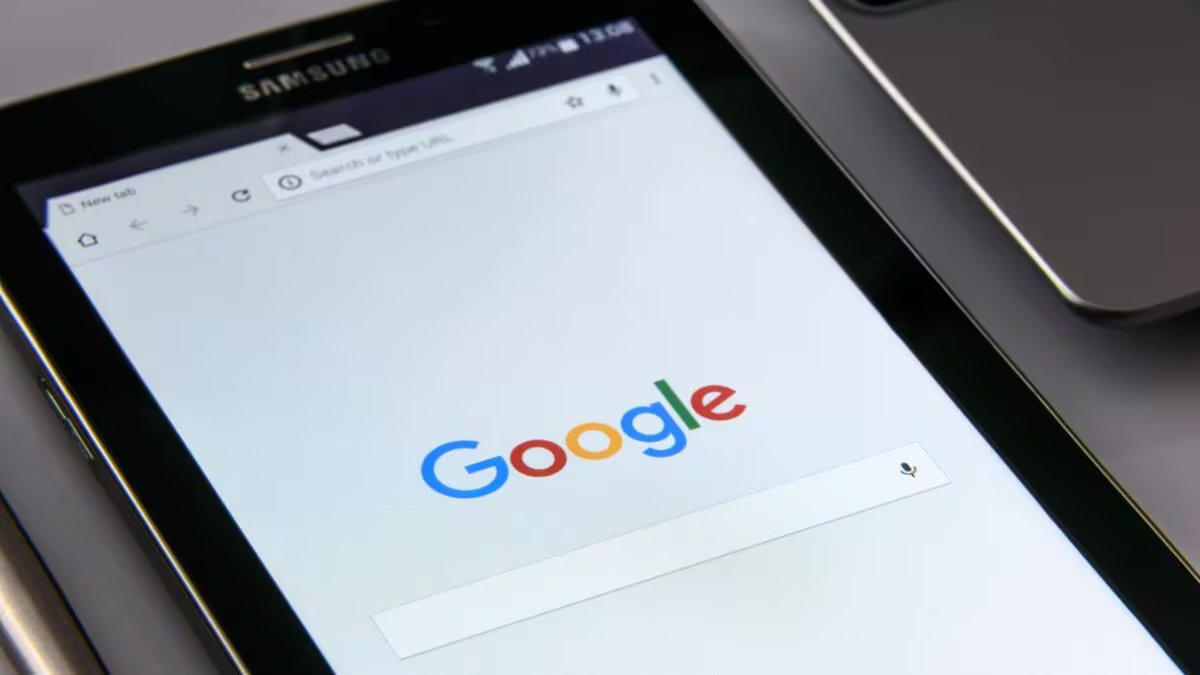
In the coming days, your phone’s backup will also become a part of the same 15GB storage like Gmail, Google Photos and Google Drive. This means that people whose Google storage is already almost full may face difficulty in taking backup.
What is going to change?
Google has sent an email to the users telling them that after the transition period of 45 days, Android backup will also be counted in the 15GB free storage of Google account.
This will include phone backup, such as SMS, call history, device settings, app settings and other important information. Earlier these had different impacts on storage, but now they will also share storage with other Google services.
Users will get more control
Google has also given some new options in backup settings. Now you will be able to decide for yourself whether to backup things like SMS, MMS, call history and device settings or not. For this you will have to go to Google Backup settings of Android phone.
Should all users be concerned?
Google says that it will not have much impact on most people. According to the company, on average only about 40MB additional storage will be used. But if your 15GB storage is already almost full, then the new backup will not be able to be saved. In such a situation, automatic backup may also stop.
What to do to save storage?
If your Google storage is less, then first see what is taking up the most space.
- Delete old videos or duplicate photos in Google Photos.
- Delete useless files, ZIP folders and old backups in Google Drive.
- Delete emails with large attachments in Gmail and also empty the Trash and Spam folders.
- If you have kept a backup of the old phone and it is no longer needed, then you can delete it also.
- If you do not want to take Google One plan, then keep backup of only important photos and files. This will not fill your free storage quickly.
Google will implement this change after 45 days. This means that users still have enough time to manage their storage, so that they do not have to face problems like backup stopping later.
Discover more from News Link360
Subscribe to get the latest posts sent to your email.